
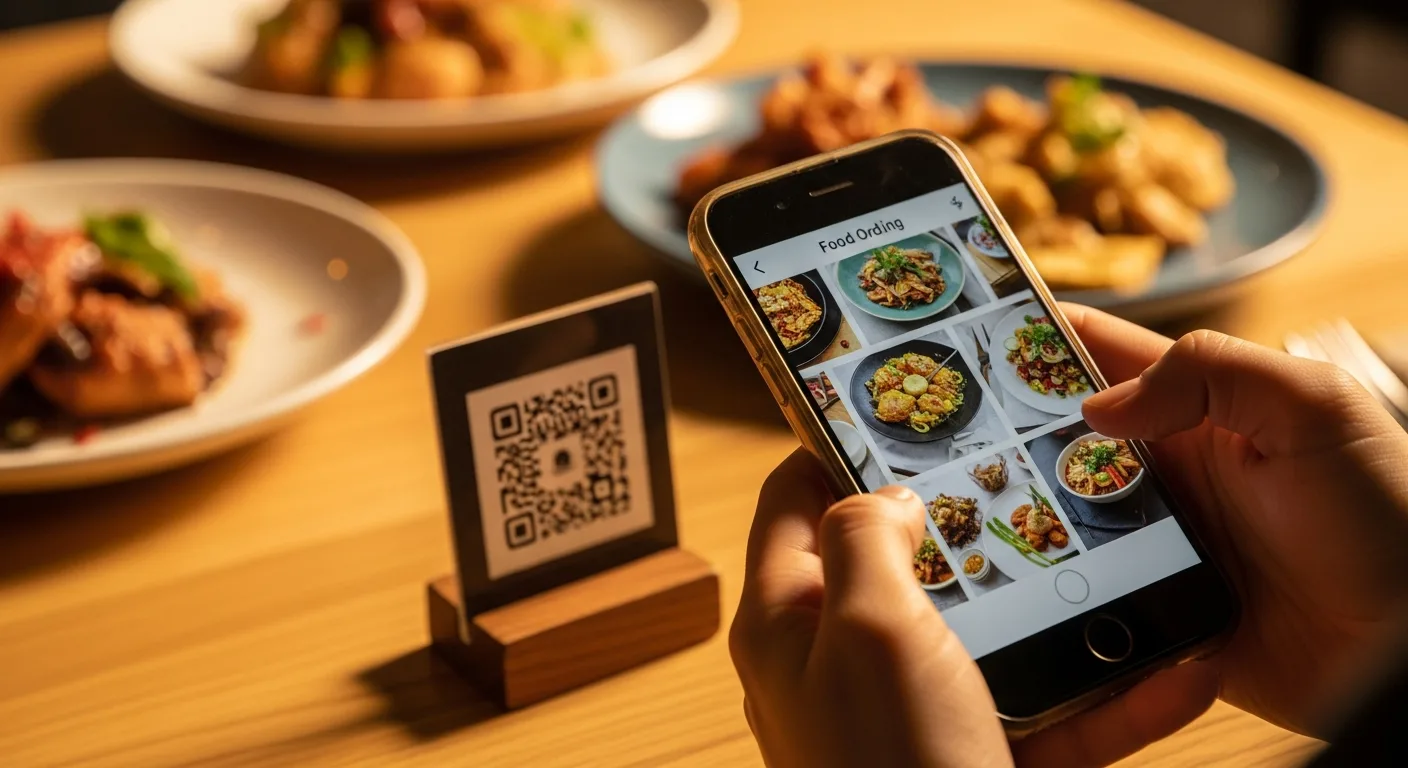
Diners do not want to wait to flag down a server. They want to scan, order and get on with their meal. A QR ordering system lets them do exactly that: scan the QR on the table, browse your menu, order and pay from their own phone, with everything landing straight in your kitchen.
What is a QR ordering system?
A QR (scan-to-order) system replaces paper menus and manual order-taking with a QR code on each table. Guests scan it, your photo menu opens on their phone with no app to install, and the order goes directly to the kitchen and your F&B POS. It is the fastest way to take more orders with fewer staff.
How scan-to-order works
- The guest scans the QR code on their table.
- Your menu opens on their phone, with photos, options and customisation.
- They add items, adjust quantities and place the order.
- They pay in-app, or choose to pay at the counter.
- The order goes straight to the kitchen display and your POS.
Why restaurants switch to QR ordering
- Serve more tables with fewer staff
- Bigger orders, with easy add-ons and reorders in a tap
- Faster turns and fewer errors than handwritten tickets
- No app download, it works in any phone browser
One QR, every order type
Use the same system for dine-in, takeaway and online ordering. Orders flow into one kitchen queue and one set of reports, whether the guest is at the table or ordering ahead.
Part of your F&B platform
QR ordering plugs into the full Qtech F&B POS system, alongside self-ordering kiosks and the kitchen display, so front-of-house, kitchen and cashier stay in sync. Running a busy F&B outlet? Pair it with the F&B queue management system.
Frequently Asked Questions
Do customers need to download an app to order?
No. The menu opens in any phone browser when they scan the QR code.
Can customers pay through the QR order?
Yes, they can pay in-app online, or choose to pay at the counter.
Does the order go straight to the kitchen?
Yes, every order lands on the kitchen display and in your POS in real time.
Does QR ordering work for takeaway?
Yes, the same system handles dine-in, takeaway and ordering ahead.
How much does a QR ordering system cost?
Pricing is tailored to your operation. Contact Qtech for a quote.
Ready to let guests scan and order? Talk to Qtech about a QR ordering system.