

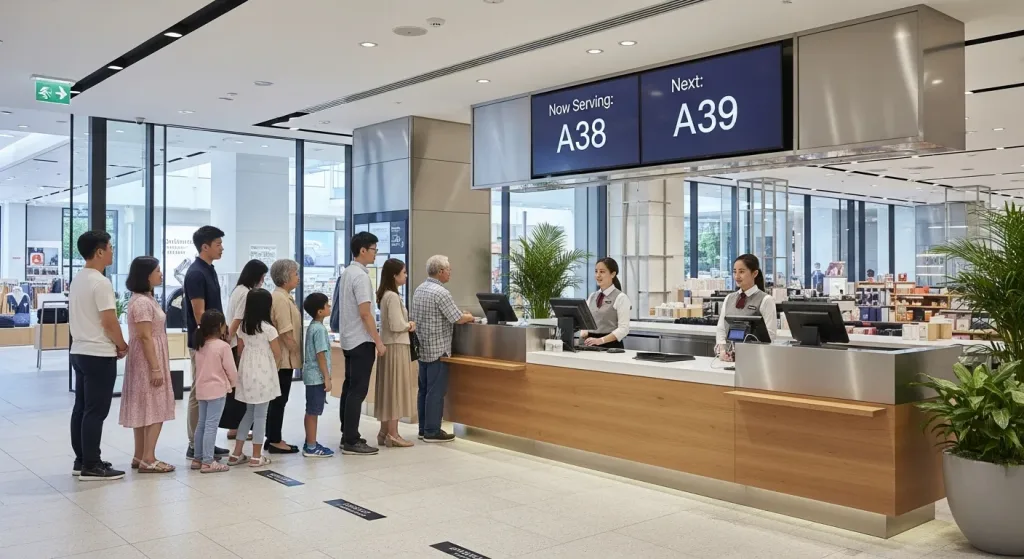
Long lines at the service counter, the collection point or the cashier cost retailers sales. Shoppers give up and leave, staff get pulled away from selling, and a busy Saturday turns into crowd control. Qtech’s retail queue management system lets shoppers take a number from their phone or a kiosk, keep browsing, and get called back by SMS when a counter is free. It runs in single stores, department stores and brand service centres across Singapore and Malaysia.
What is a retail queue management system?
A retail queue management system replaces the physical line with a digital one. Each shopper gets a queue number for the service they need, such as collection, repair, payment or a consultation, and the system calls them to the right counter in order. Shoppers can see their place in the queue on their phone, staff call the next customer with one click, and managers see live wait times and how many people are waiting at each counter.
Where queues hurt retailers
- Walkaways. A shopper who sees a long line at the service counter often leaves without buying, and may not come back.
- Crowded service areas. Collection points, repair counters and customer-service desks fill up with people standing around, which blocks the shop floor.
- Staff pulled off the floor. When nobody knows who is next, staff spend time managing the line instead of serving.
- Peak days nobody planned for. Sale days, launches and weekends bring crowds that a paper ticket roll or a rope barrier can’t handle.
- No data. Without a system, you can’t see how long shoppers wait or which counters and hours need more staff.
How Qtech’s retail queue management system works
 1
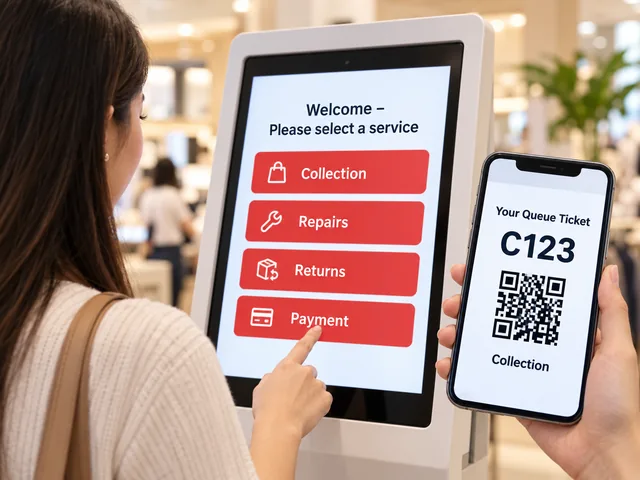
1Check in: Shoppers pick a service
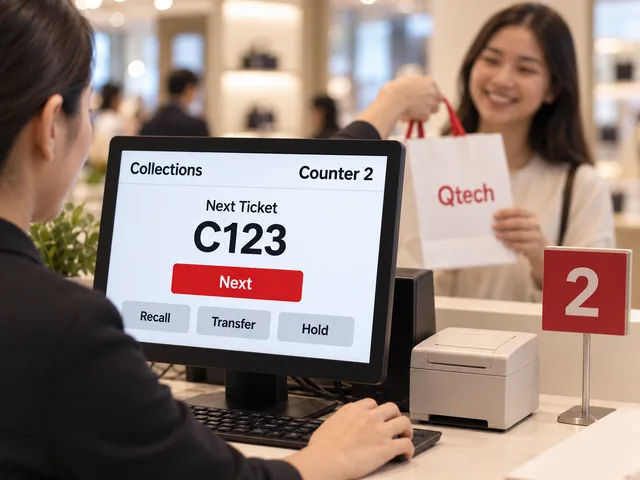
At the kiosk or by scanning a QR code, shoppers choose what they came for: collection, repairs, returns or payment. Their ticket, such as C123 for a collection, opens on their phone or prints on the spot.
 2
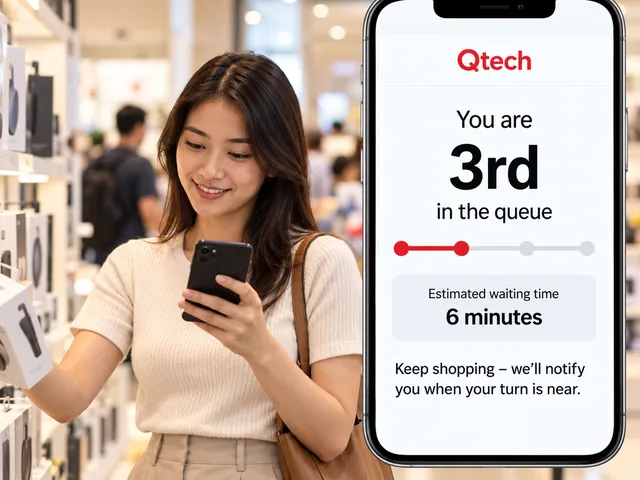
2Wait: They keep shopping
Their phone shows their place in the queue and the estimated wait, so they can keep browsing the store instead of standing at the service desk.
 3
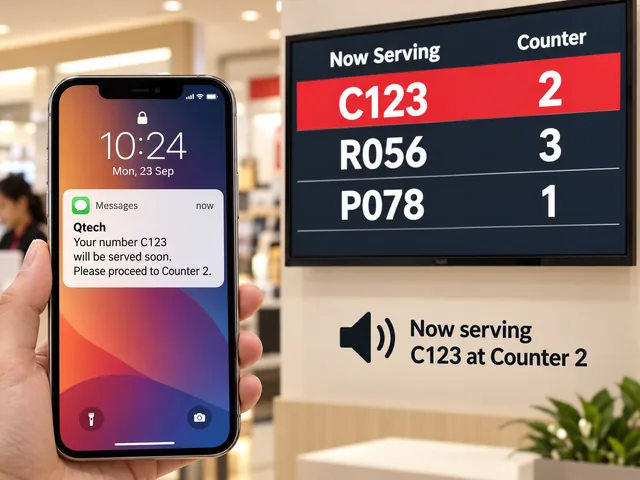
3Notify: The system calls them back
An SMS tells them when their turn is near, and the now-serving screen shows which counter to go to, with a voice call-out.
 4
4Serve: Each counter calls its own service
Staff press Next to call the next ticket for their counter, so the collections desk only calls collections. Shoppers can be transferred, for example from returns to payment, without queuing again.
 5
5Report: Managers see the numbers
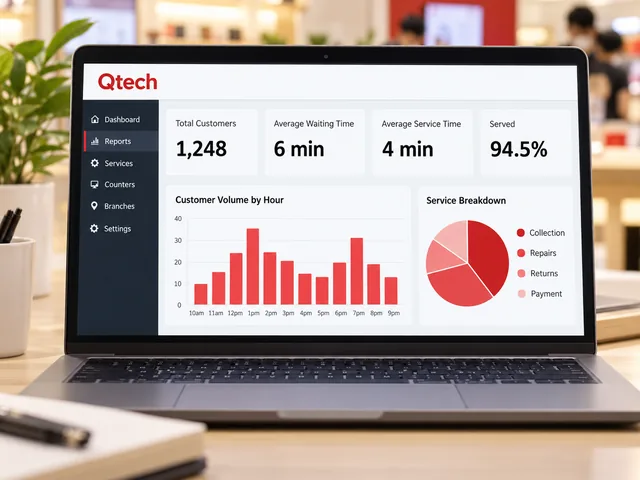
Reports show how many shoppers each service handled, average waiting and service times, and the busiest hours, by counter and by store.
Retail queues Qtech handles
Product collection and click & collect
Give online orders and pre-paid collections their own queue, so pickups don’t get stuck behind enquiries. Shoppers check in on arrival and are called when their order is ready at the counter.
Service, repair and warranty counters
Brand service centres for electronics and appliances handle long, unpredictable jobs. A queue per service type keeps quick collections moving while repairs and diagnostics take their time. Customers wait in comfort instead of hovering at the desk.
Returns and exchanges
Returns are slow and often frustrating. A dedicated returns queue keeps them away from the checkout, so paying customers aren’t held up and returning customers know exactly when they’ll be seen.
Payment and member services
For stores where customers order at one counter and pay or collect at another, or membership centres handling orders and enquiries, the queue routes each shopper through the right counters in order.
Appointments and consultations
Optical fittings, beauty consultations, phone and plan advice: let shoppers book a time slot in advance and check in on arrival, alongside walk-ins in the same queue.
Sale days, launches and peak weekends
When a product launch or sale draws a crowd, shoppers join a virtual queue instead of a physical line outside the store and are called in batches. Capacity control helps keep the number of shoppers in the store manageable, using declared group sizes and staff-confirmed arrivals.
Physical, virtual or both
- Physical tickets. A touchscreen kiosk prints a numbered ticket. Best for shoppers who don’t want to use their phone.
- Virtual queue. Shoppers scan a QR code and get their number on their phone, then receive SMS alerts and a live status link.
- Hybrid. Most retailers run both, so every shopper has a way in. Both kinds of ticket join the same queue.
Key features for retail
- QR virtual queue: join from any phone, no app needed.
- Self-service kiosks: choose a service and print a ticket in seconds.
- SMS notifications: call shoppers back from anywhere in the store or mall.
- Live queue status link: shoppers check their position and estimated wait.
- Now-serving TV display: shows which number goes to which counter, on any TV.
- Digital signage: show promotions and new products to waiting shoppers.
- Appointment booking: pre-booked slots and walk-ins in one queue.
- Customer feedback: collect a rating after service and spot problem counters early.
- Multi-outlet dashboard: manage every store, counter and service from one place, with reports by outlet.
Where it’s used
- Department stores: customer service, gift wrapping, delivery and collection counters.
- Electronics and appliance brand service centres: repairs, warranty claims, collections.
- Telco and mobile shops: new lines, plan changes, device support.
- Membership and direct-selling centres: orders, collections and member enquiries.
- Optical, beauty and cosmetics counters: consultations and fittings by appointment.
- Pharmacies: prescription collection and pharmacist consultation.
Trusted by retail brands
Retailers and brands including Isetan, Sony, Philips and USANA have used Qtech queue systems. Qtech has built queue management systems since 1992 and is used by more than 500 businesses across Singapore and Malaysia.
Commonly Used Products
Mix and match what you need. Every product works with the same queue.
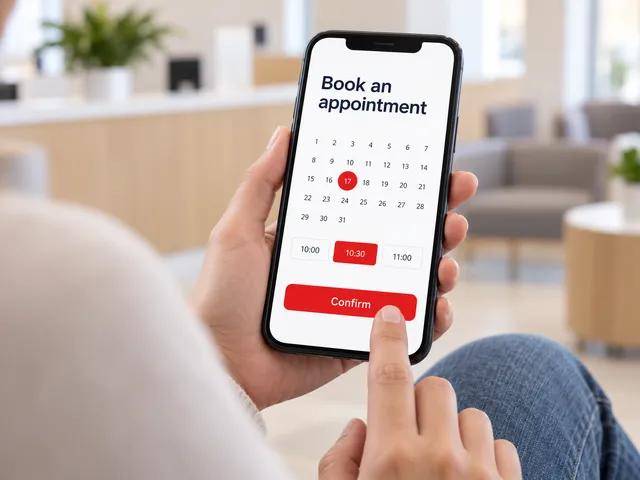
Appointment System
Customers book a time slot online and check in when they arrive.
Learn more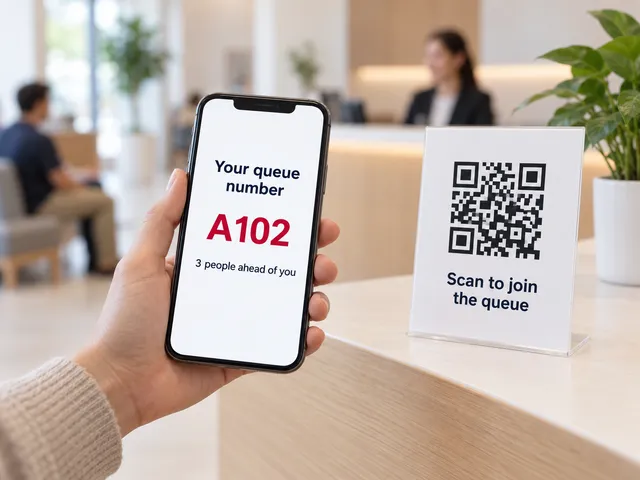
Virtual Queue
Scan a QR code to join the queue from any phone. No app needed.
Learn more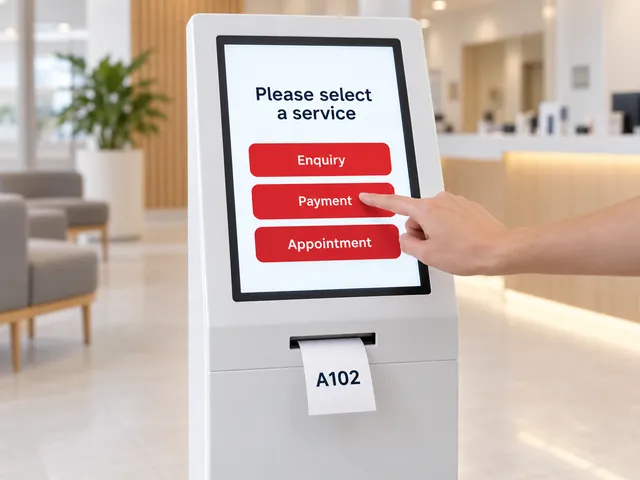
Self-Service Kiosks
A touchscreen kiosk to choose a service and print a ticket.
Learn more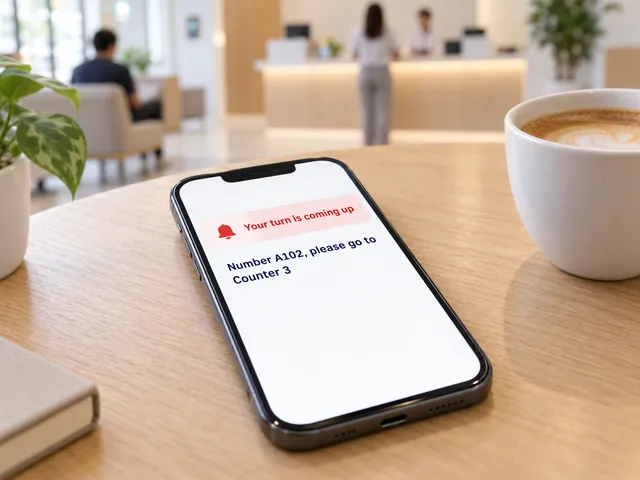
Smart Notifications
SMS and web alerts call customers back when their turn is near.
Learn more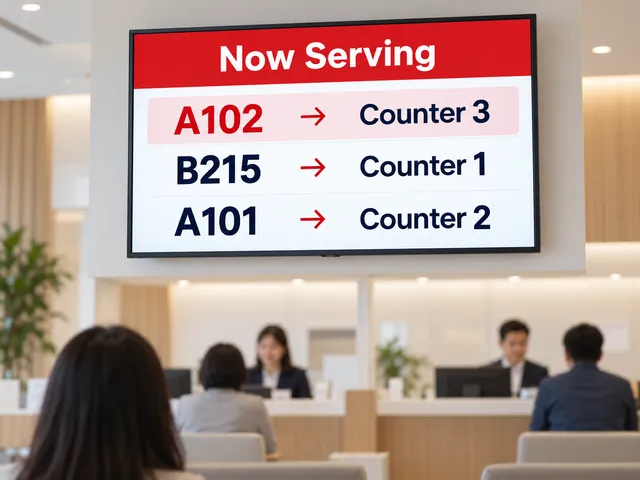
Queue Display
A now-serving screen on any TV shows which number goes to which counter.
Learn more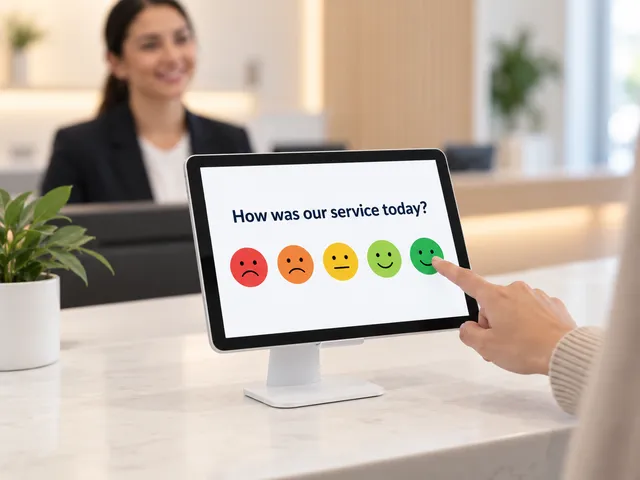
Feedback Module
Collect a rating after service and spot problem counters early.
Learn more
Our Retail Sector Clients


Frequently Asked Questions
What is a retail queue management system?
A system that replaces the physical line with a digital one. Shoppers take a queue number for the service they need, by kiosk or QR code, keep browsing, and are called to the right counter when it is their turn.
How much does a retail queue management system cost?
Pricing depends on the number of outlets, counters, services and hardware such as kiosks and TV displays. Contact Qtech for a quote sized to your store.
Do shoppers need to download an app?
No. Shoppers scan a QR code and get their number in their phone browser, or take a printed ticket from a kiosk.
Can we run separate queues for collection, repairs and returns?
Yes. Each service gets its own queue and counters, so quick collections are not stuck behind long repairs or returns. Staff can transfer a shopper between services.
Can it handle sale days and product launches?
Yes. Shoppers join a virtual queue instead of lining up outside, wait nearby, and are called back by SMS in order.
Does it support multiple outlets?
Yes. Every store, counter and service is managed from one dashboard, with live monitoring and reports by outlet.
Do you serve retailers outside Singapore and Malaysia?
Yes. The software runs in the cloud, hardware such as kiosks and TV displays can be shipped to you, and setup and staff training can be done remotely.
Can it integrate with our existing systems?
Qtech can connect with appointment and other business systems via API where supported. Tell us what you use and we will confirm what is possible.
How long does it take to set up?
Most retailers go live within a few weeks. We map your services and counters, configure the queue, install any kiosks and displays, train your staff, and run a pilot first.