

Citizens select the service they need, such as applications and licensing, document collection, payments, and general enquiries.
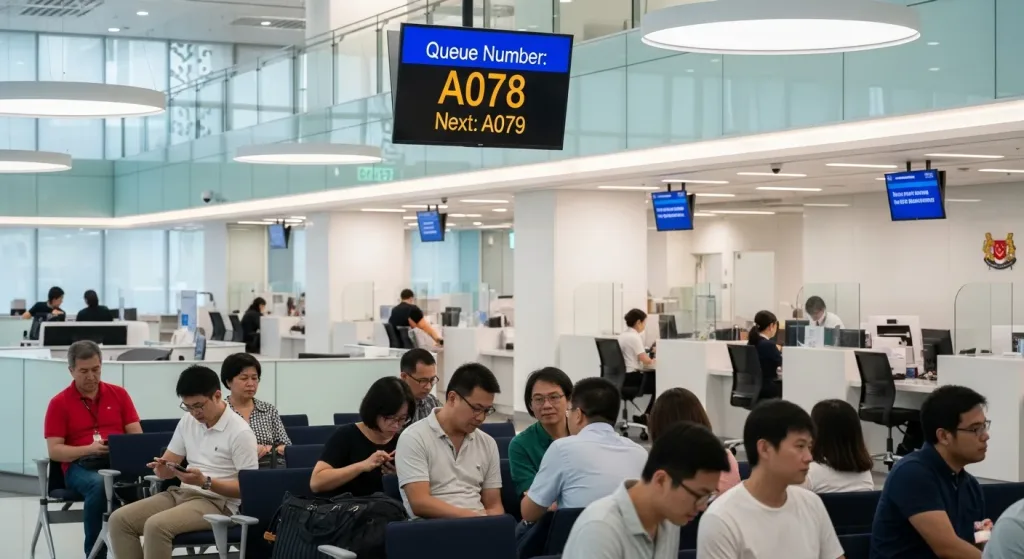
Qtech’s public sector queue management system streamlines how citizens are served across counters and departments, cutting crowding and wait times in government service centres.
Why public service centres need a queue management system
Government and public service centres serve large, diverse populations across many service types. A public sector queue management system reduces crowding and frustration by letting citizens book ahead or join a virtual queue, then directing them to the right counter when it is their turn.
How Qtech's public sector queue management system works
Citizens book an appointment online or take a ticket on arrival by QR or kiosk, choose the service they need, and wait wherever they like until an SMS or display calls them. Staff manage and route the queue across counters and departments, with reporting to balance staffing against demand.
Key features for the public sector
- Appointment booking — let citizens reserve a slot and skip the walk-in wait.
- QR virtual queue — join from a phone and track position in real time.
- Self-service kiosks — quick ticketing and service selection on arrival.
- SMS notifications — keep citizens updated so they are not stuck waiting.
- Digital signage — clear, multilingual now-serving displays for diverse communities.
The result is shorter waits, fairer service, and better use of public-service staff. Qtech supports multilingual screens and accessibility, and scales across multiple centres from one dashboard. Contact us for a quote sized to your agency.
Commonly Used Products
Mix and match what you need. Every product works with the same queue.
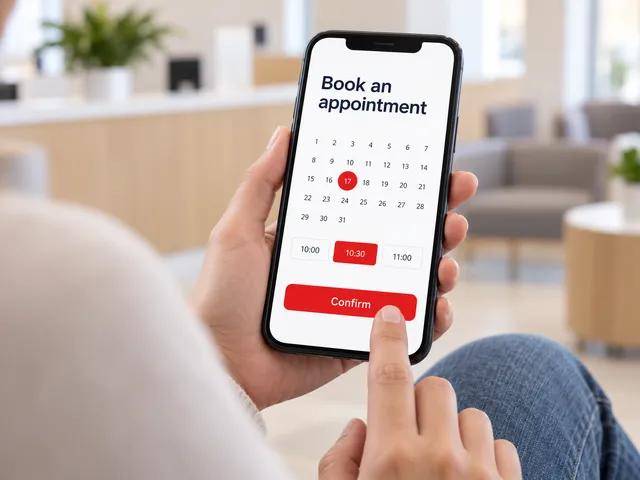
Appointment System
Customers book a time slot online and check in when they arrive.
Learn more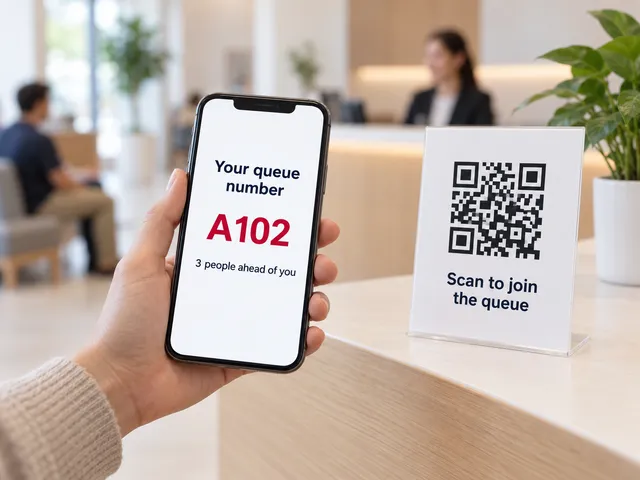
Virtual Queue
Scan a QR code to join the queue from any phone. No app needed.
Learn more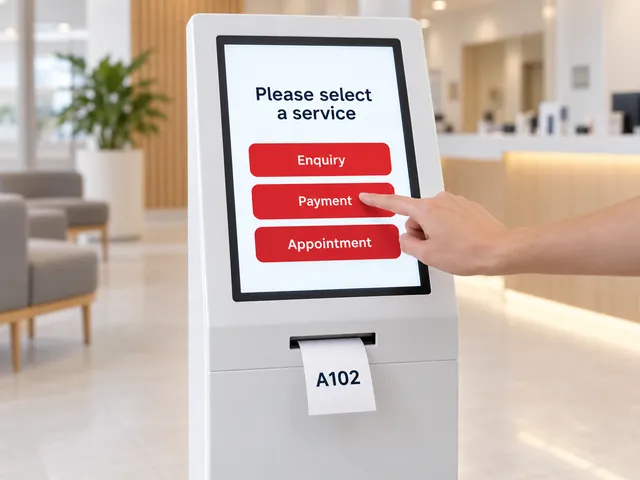
Self-Service Kiosks
A touchscreen kiosk to choose a service and print a ticket.
Learn more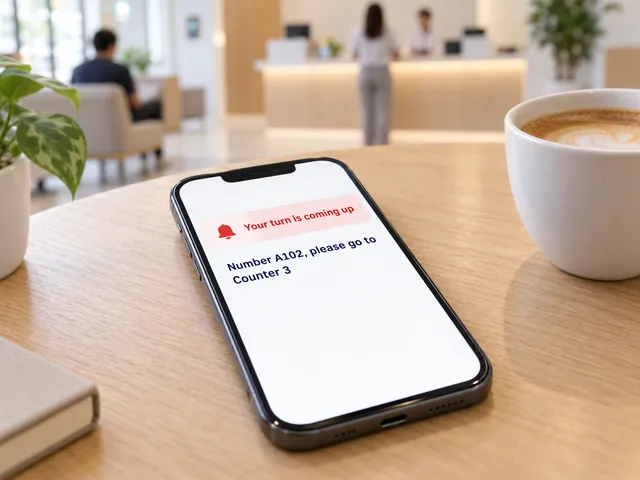
Smart Notifications
SMS and web alerts call customers back when their turn is near.
Learn more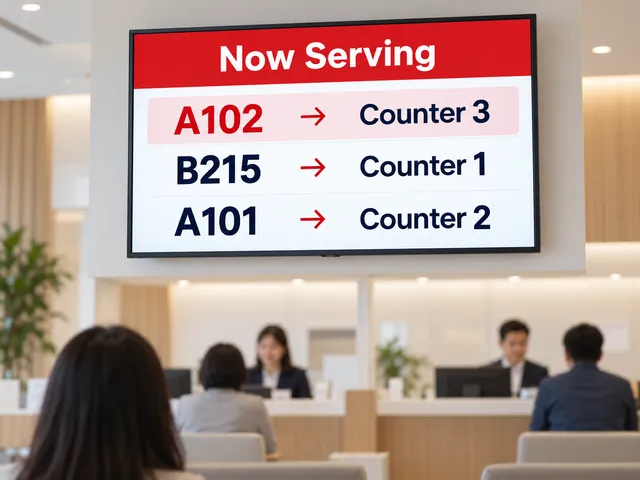
Queue Display
A now-serving screen on any TV shows which number goes to which counter.
Learn more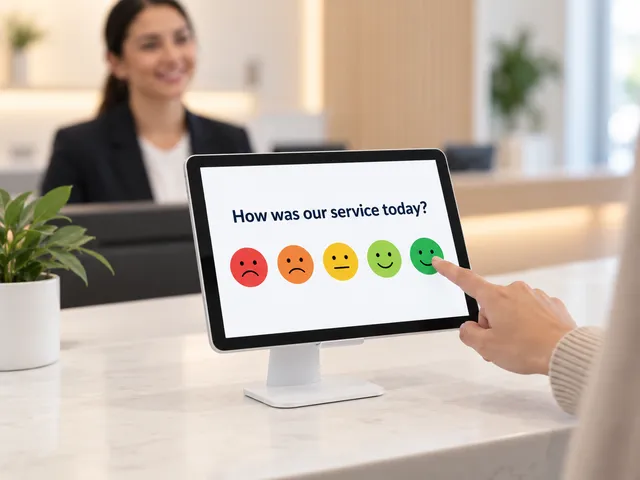
Feedback Module
Collect a rating after service and spot problem counters early.
Learn more
Our Public Sector Clients


Frequently Asked Questions
How much does a public sector queue management system cost?
It depends on how many service centres and counters you run, the service types (applications, licensing, payments, enquiries), the kiosks and displays you need, and whether you add appointment booking and SMS alerts. Contact Qtech for a quote sized to your agency.
Can citizens book appointments to avoid walk-in waits?
Yes. Citizens book a slot online and get a ticket when they check in on arrival, and SMS updates keep them informed, so booked visits do not get stuck behind walk-ins.
Can screens and kiosks show more than one language?
Yes. Kiosk screens and now-serving displays can be set up in several languages, so citizens from different communities can follow their place in the queue.
Can elderly and disabled citizens be served first?
Yes. Priority handling lets staff call priority tickets ahead of the normal queue, and kiosks and displays support accessibility needs such as clear call-outs.
Can a citizen be moved to another department without queuing again?
Yes. Staff transfer the ticket to the next service or department, so the citizen keeps the same number and is called in turn there.
How do agencies plan staffing across service centres?
Reports show ticket volume, waiting time and service time by service, counter and centre, so agencies can see peak days and move staff to where the demand is. All centres are managed from one dashboard.