
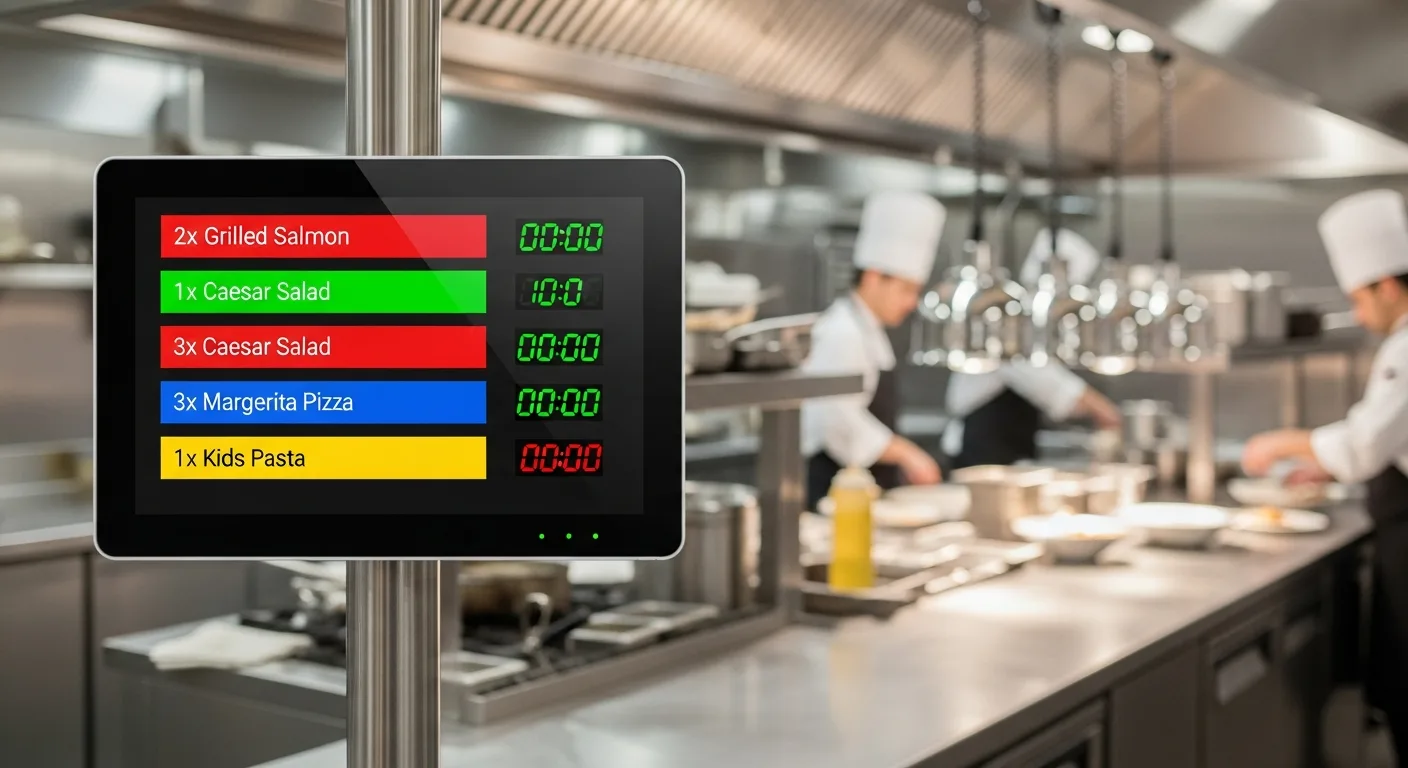
Paper tickets get lost, smudged and out of order, and the kitchen pays for it in wrong dishes and slow service. A kitchen display system (KDS) puts every order on a live screen at the pass, colour-coded and timed, so your team always knows what to cook, in what order, and how long it has taken.
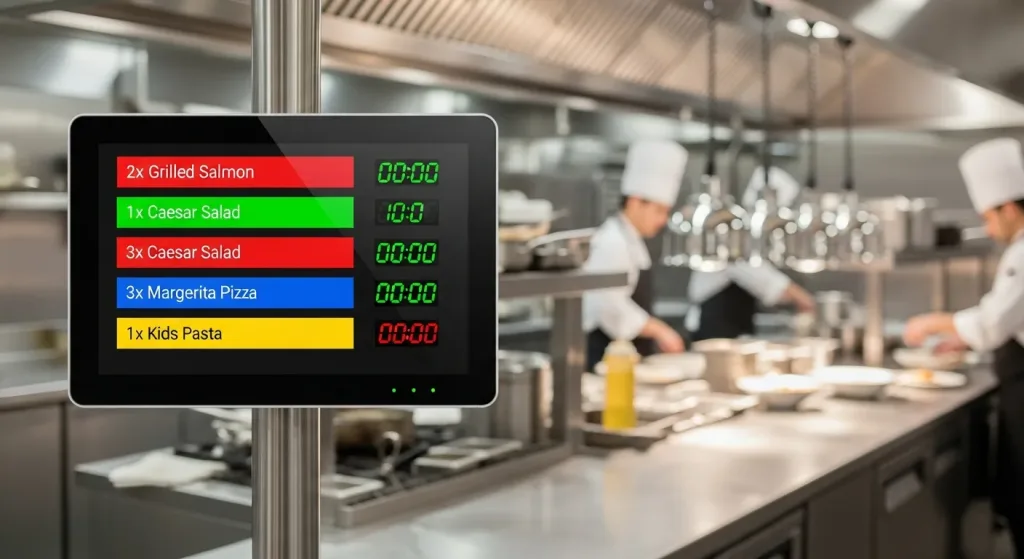
What is a kitchen display system (KDS)?
A kitchen display system is a digital screen that replaces printed kitchen dockets. Orders from every channel, dine-in, QR, kiosk, takeaway and delivery, appear instantly on the KDS the moment they are placed, so the kitchen starts sooner and nothing slips through.
How a kitchen display system works
- An order is placed at the counter, table QR, kiosk or online.
- It appears on the KDS at the right station, with items, modifiers and a timer.
- Cooks prepare each item and bump it when done.
- Timers and colours flag orders that are running late.
- Completed orders clear the screen and update your POS and reports.
Why kitchens switch from paper tickets
- Faster prep, as orders appear the instant they are placed
- Fewer mistakes, with clear legible items and modifiers and no lost dockets
- Better timing, as live countdowns keep dishes leaving together
- Less waste, with no ticket printer or rolls of paper
- Coordination across stations, so grill, fry, drinks and dessert stay in sync
One kitchen queue for every order channel
Whether a guest orders at the table by QR, at a self-ordering kiosk, at the counter or online, every order lands in the same kitchen queue and the same reports, with no juggling screens or re-keying.
Part of your F&B POS
The kitchen display is built into the Qtech F&B POS system, alongside QR ordering and self-ordering kiosks, so front-of-house, kitchen and cashier all work from one real-time system.
Frequently Asked Questions
What is a kitchen display system?
A digital screen that replaces paper kitchen tickets, showing every order live at the pass with items, modifiers and timers.
Does the KDS work with QR and kiosk orders?
Yes. Orders from QR table ordering, self-ordering kiosks, the counter and online all appear on the same kitchen display.
Can it show multiple kitchen stations?
Yes. Items can be routed to the right station, so each section sees only what it needs to prepare.
Does it track preparation time?
Yes. Live timers and colour changes flag orders that are running late, helping dishes leave together.
Is the kitchen display part of the POS?
Yes. It is built into the Qtech F&B POS system and stays in sync with orders and reports in real time.
How much does a kitchen display system cost?
Pricing depends on screens and configuration. Contact Qtech for a quote.
Speed up your kitchen. Talk to Qtech about a kitchen display system for your restaurant.