
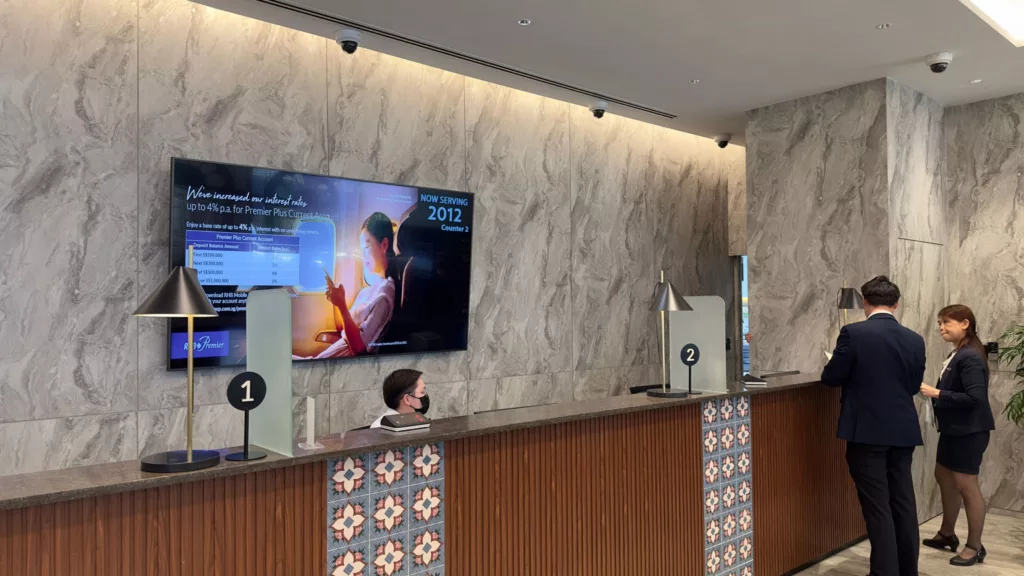
Qtech’s banking queue system transforms the branch experience — customers join a virtual queue, wait comfortably, and are served faster, while branches balance demand across counters in real time.
Introduction
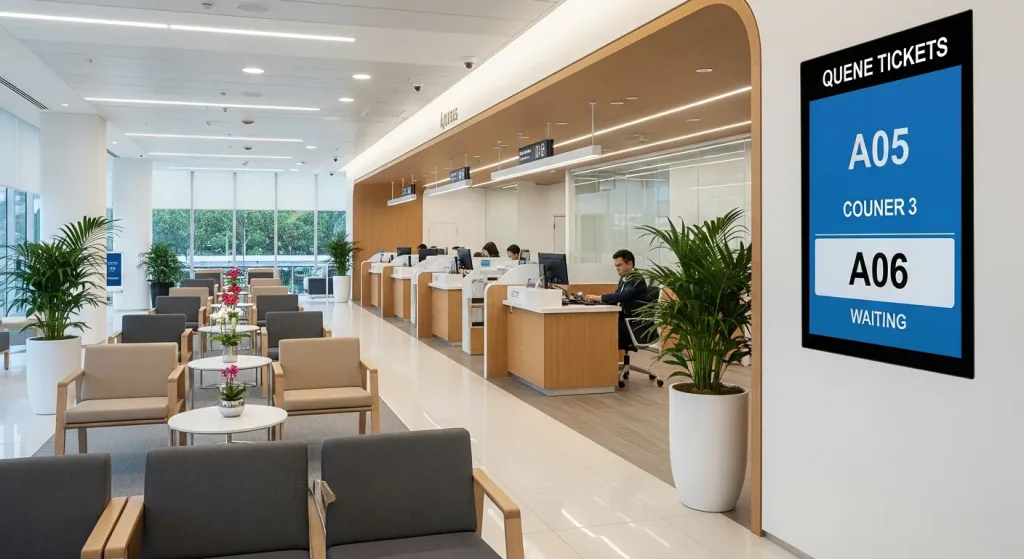
Long lines and a crowded banking hall frustrate customers and slow tellers. A banking queue system replaces the physical line with an organised, transparent flow: customers take a ticket or join by QR, see their position, and are called to the right counter when it is their turn.
Queue System for Banks: The Future of Efficient Banking
It is more than a digital number dispenser. Qtech combines virtual queuing, counter routing, displays and notifications in one platform, so both the branch and its customers benefit from a calmer, faster service experience.
What is a Bank Queue Management System?
A banking queue system is a digital or electronic method used by banks to manage and streamline the flow of customers. This system not only reduces wait times but also enhances the overall customer experience.
Evolution of the Banking Queue
Banking queues have moved from paper tokens to cloud-based systems that let customers join remotely, receive SMS updates, and be routed intelligently across counters and services.
Benefits for the Customers
- Reduced waiting times
- Real-time updates about their position in the queue
- Flexibility to complete other tasks while waiting
- Enhanced in-branch experience
Benefits for the Banks
- Improved operational efficiency
- Better resource allocation based on real-time data
- Enhanced customer satisfaction and loyalty
- Reduced operational costs
Implementing the System: A Walkthrough
Rolling out a queue system is straightforward with Qtech: we map your branch services and counters, configure priorities and notifications, train your staff, and run a pilot before go-live, with ongoing support afterwards.
Challenges and How to Overcome Them
The main hurdle is change for staff and customers used to paper tickets. Qtech keeps adoption smooth with simple counter and touchscreen interfaces, multilingual customer screens, and hands-on training.
Banking Queue System Technologies
Qtech brings together the core technologies a modern branch needs — virtual queuing, digital signage and mobile updates — in one integrated platform.
Virtual Queuing Solutions
Imagine being able to get a token even before you reach the bank. Virtual queuing solutions make this possible, bridging the gap between online and offline banking experiences.
Digital Signage Solutions
Digital signages not only display queue numbers but also disseminate useful information, advertisements, and more, enhancing the in-branch experience.
Mobile App Integration
Many banks now offer mobile apps that integrate with the queue system. This allows customers to book their spot, get real-time updates, and more, all from the comfort of their smartphone.
Conclusion
A banking queue system shortens waits, smooths peak periods, and lifts customer satisfaction while making better use of branch staff. Qtech runs across a single branch or a national network from one dashboard. Contact us for a quote sized to your bank.
Flowchart – Banking Queue System

Commonly Used Products
Mix and match what you need. Every product works with the same queue.
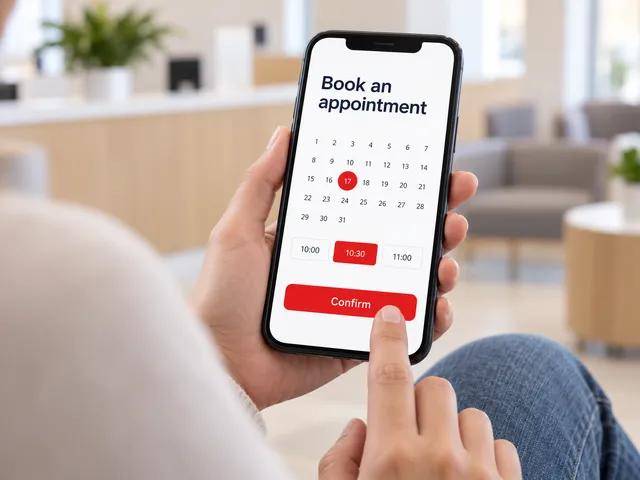
Appointment System
Customers book a time slot online and check in when they arrive.
Learn more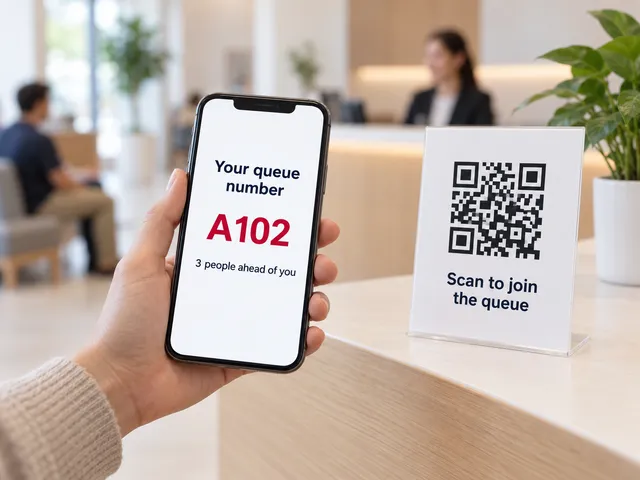
Virtual Queue
Scan a QR code to join the queue from any phone. No app needed.
Learn more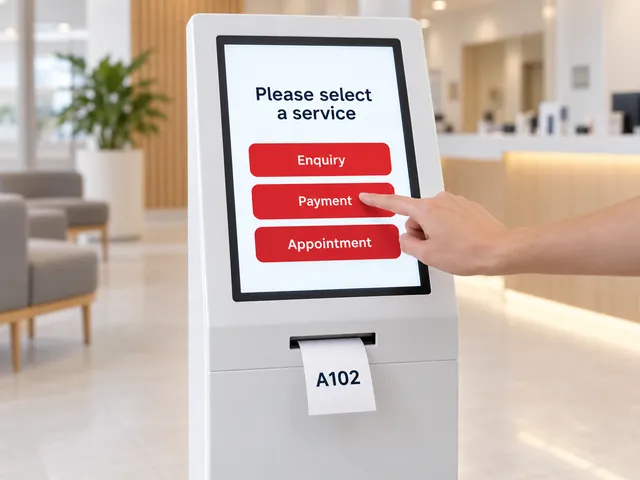
Self-Service Kiosks
A touchscreen kiosk to choose a service and print a ticket.
Learn more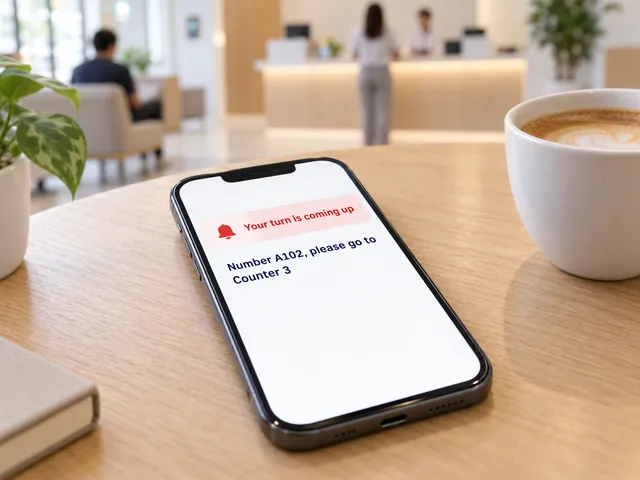
Smart Notifications
SMS and web alerts call customers back when their turn is near.
Learn more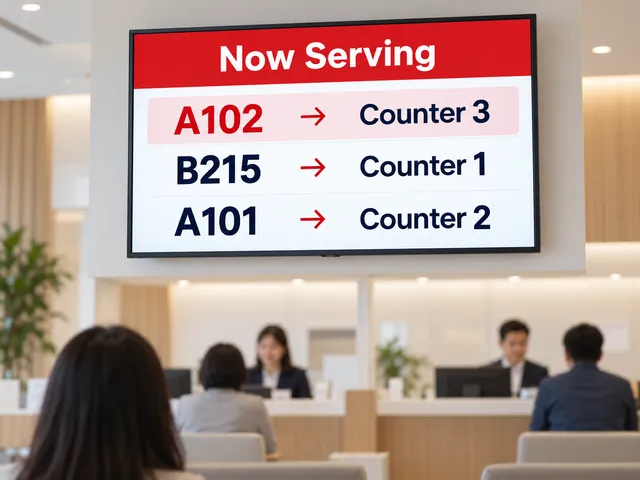
Queue Display
A now-serving screen on any TV shows which number goes to which counter.
Learn more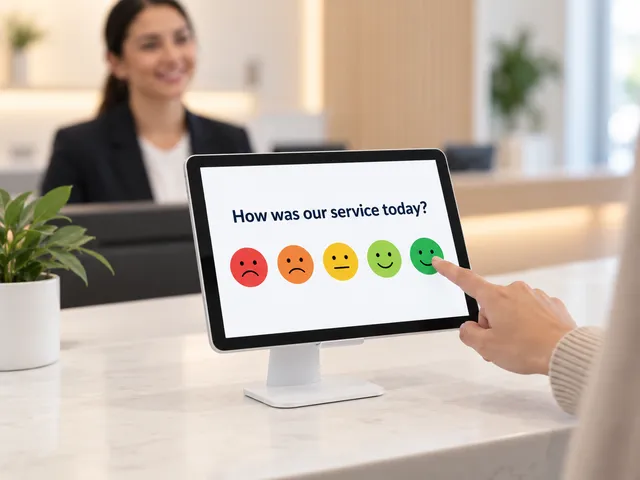
Feedback Module
Collect a rating after service and spot problem counters early.
Learn more
Our Banking Clients


Frequently Asked Questions
How much does a bank queue management system cost?
It depends on how many branches and counters you run, the transaction types you queue (cash, accounts, loans, cards, enquiries), the kiosks and displays each branch needs, and whether you add SMS alerts and appointments. Contact Qtech for a quote sized to your branch network.
Can customers get a queue number before they reach the branch?
Yes. Customers join a virtual queue by scanning a QR code or opening a link, see their live position, and arrive close to their turn. An SMS update tells them when to head to the counter.
Can it prioritise premier or business-banking customers?
Yes. Priority handling lets premier, business or appointment customers be served ahead of the general queue, while everyone sees fair, transparent wait information.
Can different counters handle different transactions?
Yes. Cash transactions, account opening, loans and card enquiries can each have their own queue, so tellers only call the transactions their counter handles. A customer can be transferred, for example from an enquiry counter to a relationship manager, without queuing again.
Can branch screens show rates and promotions while customers wait?
Yes. With digital signage, branch screens show now-serving numbers alongside rates, product promotions and announcements, in more than one language if needed.
How do banks use the queue data across branches?
Reports show waiting and service times by transaction type, branch and hour, so banks can plan teller staffing, compare branches and spot bottlenecks. One branch or a national network is managed from one dashboard.