
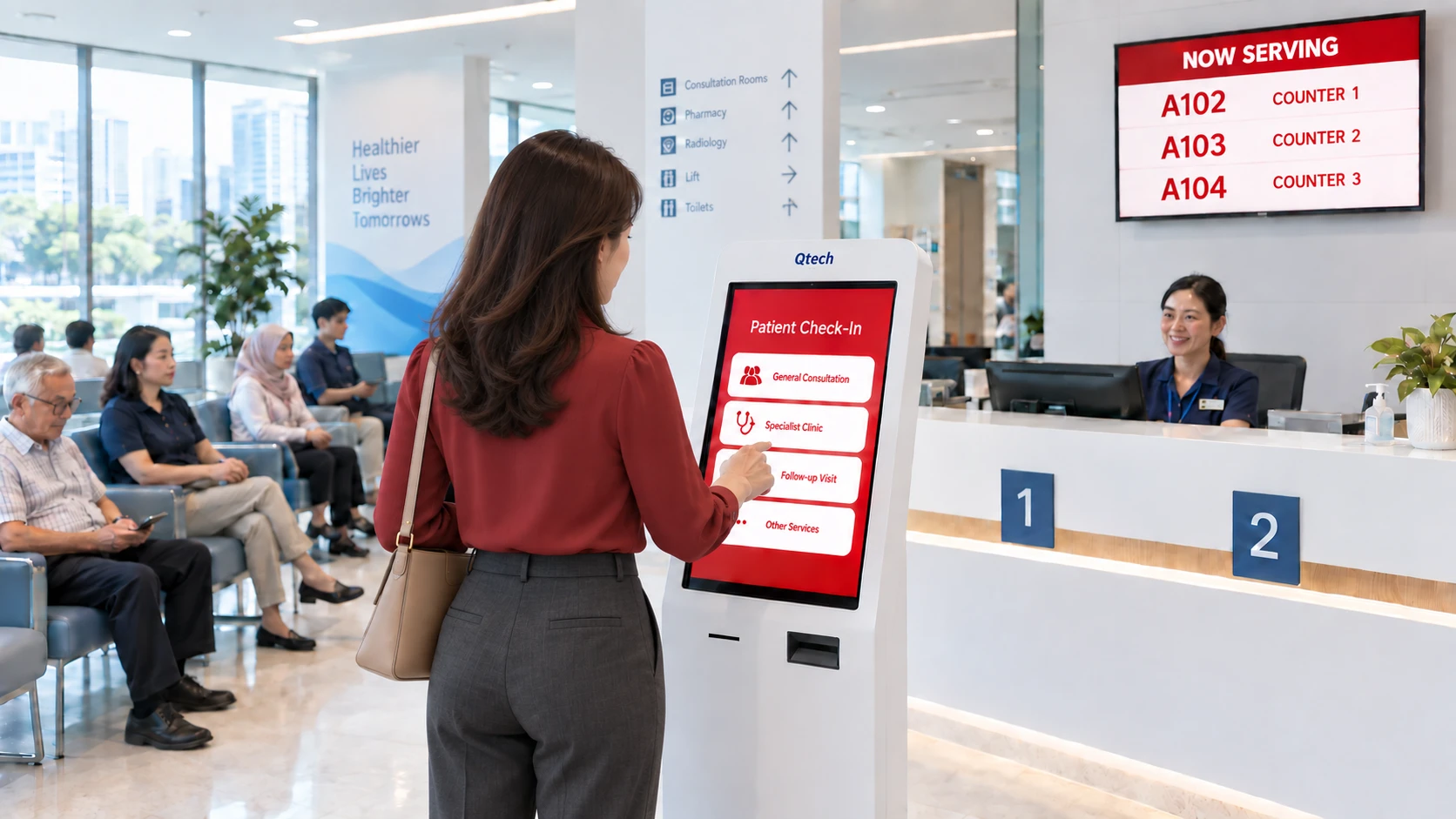

Introduction
Long waits and crowded waiting rooms are a daily reality for many hospitals and clinics. Qtech’s patient queue management system for hospitals and large healthcare facilities replaces paper tickets and confusion with QR virtual queues, automated appointments, and live displays, so patients move smoothly from registration to consultation to pharmacy — across every department and outpatient (OPD) clinic — while staff spend less time managing lines. Below we cover how it works, the features that matter in healthcare, and what to look for when choosing a system.
Table of Contents
- Understanding the Challenges of Patient Queuing
- How Qtech’s Hospital Queue Management System Works
- Key Features and Benefits of a Hospital Queue Management System
- Implementing a Hospital Queue Management System
- Enhancing Patient Experience
- Emergency and Urgent Care with Customisable Serving Modes
- Integrating with Existing Healthcare Systems
- Case Studies: Success Stories
- The Cost and Return on Investment
- Key Considerations for Choosing the Right System
1. Understanding the Challenges of Patient Queuing
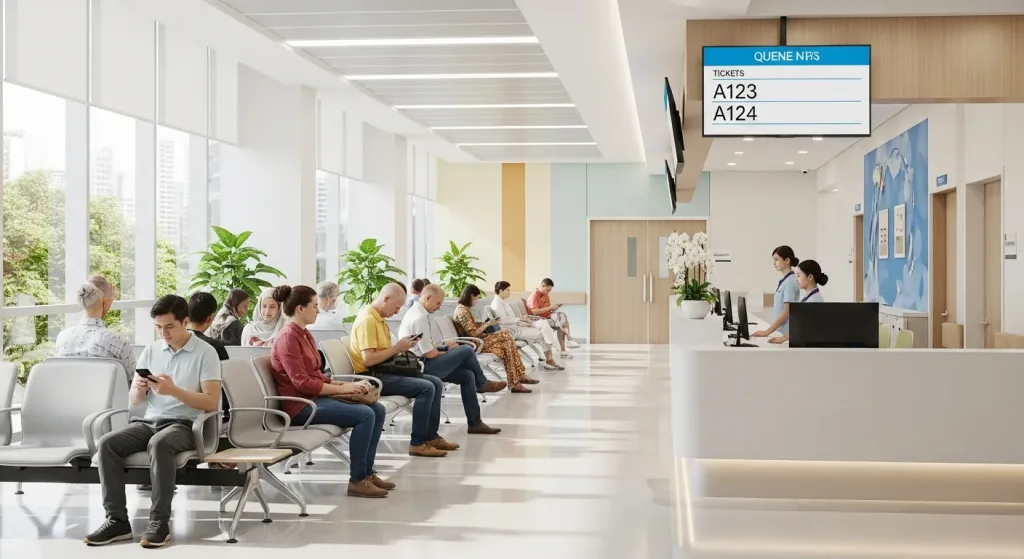
In busy hospitals and outpatient clinics, manual queuing means overcrowded waiting areas, long perceived waits, and frustrated patients. It also stretches front-desk staff and makes it hard to see where each patient is in their visit, leading to bottlenecks at peak hours, lower satisfaction, and avoidable errors in patient records.
2. How Qtech’s Hospital Queue Management System Works
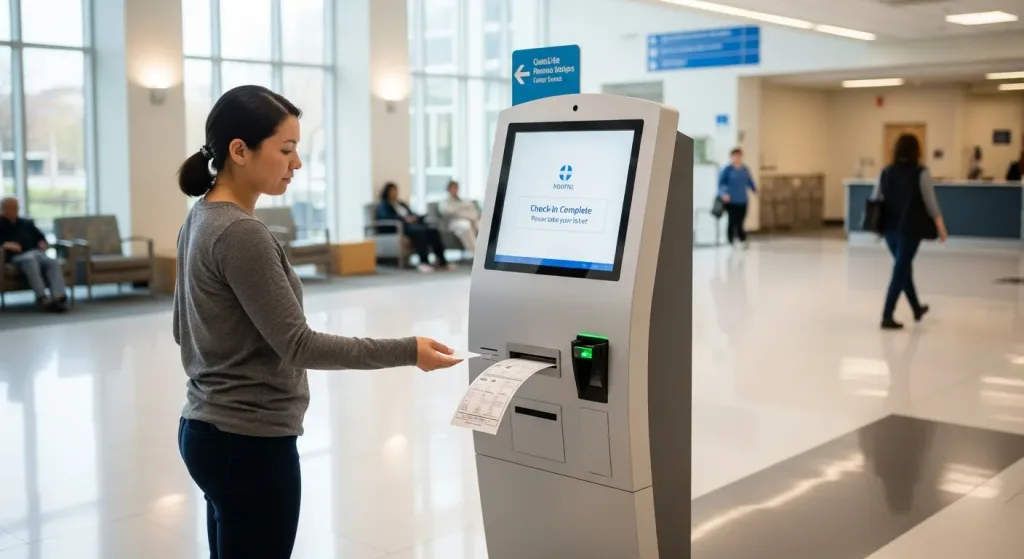
Qtech’s hospital queue management system is a cloud-based platform that automates patient flow across your facility. Patients join the queue by scanning a QR code, booking an appointment, or taking a ticket at a self-service kiosk; staff call and route them from connected counters; and digital displays show who is being served. Real-time dashboards and reporting let managers balance load across departments and counters.
3. Key Features and Benefits of a Hospital Queue Management System
- Appointment Scheduling: Patients can book appointments online or through self-service kiosks, reducing the need for manual appointment scheduling and minimizing waiting times.
- Patient Check-In: Self-service kiosks or mobile applications allow patients to check-in quickly, update their information, and provide relevant medical history, ensuring accurate patient records.
- Queue Monitoring: Hospital staff can monitor and manage patient queues in real-time, ensuring optimal resource allocation and reducing overcrowding.
- Digital Signage and Notifications: Digital displays and notifications keep patients informed about their queue status, estimated waiting times, and any changes in their appointment schedule, reducing anxiety and frustration.
- Workflow Management: Hospital Queue Management Systems enable seamless coordination between various departments, ensuring a smooth patient flow and minimizing delays.
- Data Analytics and Reporting: These systems provide valuable insights into patient flow, waiting times, and resource utilization, helping hospitals identify bottlenecks and make data-driven improvements.
- System Integrations: Connect with appointment, clinic and records systems via API where supported, so patient details stay in sync across touchpoints.
4. Implementing a Hospital Queue Management System
Getting started is straightforward. The Qtech team maps your patient journey and counter setup, configures your services, priorities and notifications, trains your staff, and runs a pilot before go-live. Ongoing support and reporting then help you fine-tune wait times and staffing as patient volumes change.
5. Enhancing Patient Experience with a Queue Management System
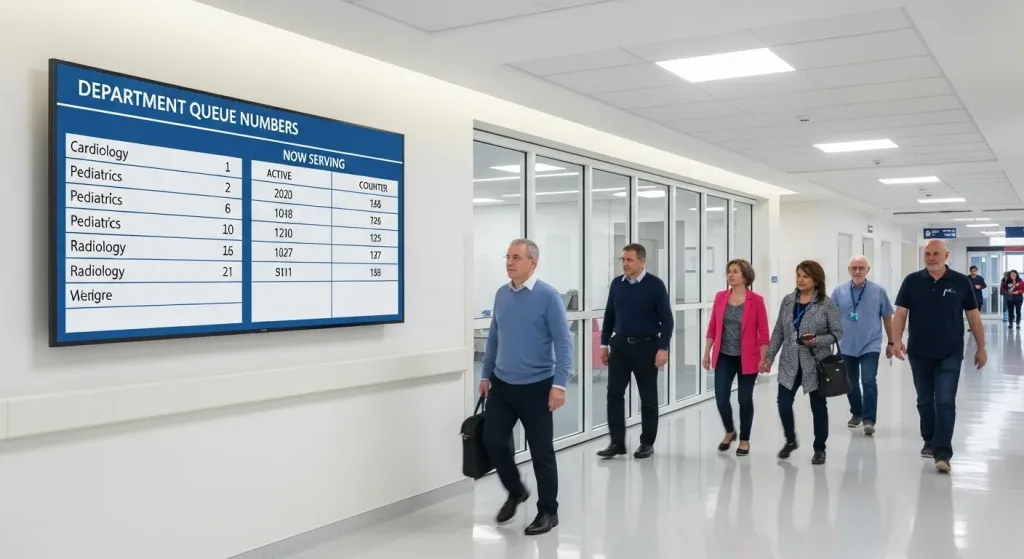
Patients wait on their own terms. With a virtual queue they can step away, track their position on their phone, and get an SMS when their turn is near, instead of crowding around a counter. Clear signage and accurate wait-time information reduce anxiety, while faster check-in and routing free clinical staff to focus on care.
For hospitals in Malaysia, patients can also self-register in seconds by inserting their MyKad at a self-service IC scanning kiosk — the chip is read, the patient is checked in, and a queue ticket is issued automatically.
6. Emergency and Urgent Care with Customisable Serving Modes
Not every patient can wait their turn. Qtech uses customisable serving modes so each counter or station can be set to handle specific services — general outpatient, specialist, pharmacy, or emergency and urgent care — and switched on the fly as demand changes. When a surge hits, staff can move a counter into an urgent-care serving mode in seconds, without reconfiguring the rest of the system.
Configurable priority rules then ensure urgent, elderly, or high-acuity patients are called ahead of the general queue, while routine cases keep flowing in parallel — a triage-aware queue that protects response times for critical patients without stalling everyone else.
7. Integrating Queue Management Systems with Existing Healthcare Systems
Qtech connects with the clinic management, appointment and patient-records (EMR) systems you already run, via API where supported, so bookings and patient details stay in sync without double entry. When a patient identifies themselves — for example by scanning their IC/NRIC (or MyKad) at a self-service kiosk — the system can match them to their existing record and appointment and check them in automatically, so staff never re-key the same details. The result is a single, consistent view of each patient from registration to completion.
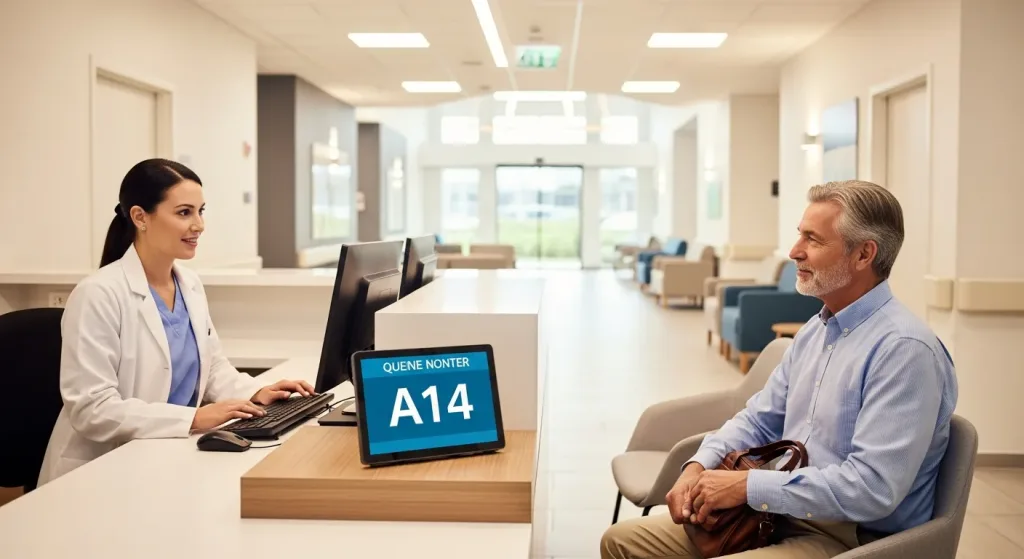
8. Case Studies: Success Stories of Hospital Queue Management Systems
Healthcare providers across Singapore rely on Qtech to manage patient flow. At Gleneagles Hospital, Qtech’s queue management system cut the average patient wait time by 20% — without adding staff — and delivered a 30% reduction in patient complaints, while keeping patients informed as they move from registration to consultation to pharmacy. Our wider hospital and clinic client base is shown below.
9. The Cost and Return on Investment of a Queue Management System
Pricing depends on the number of outlets, counters, and features you need, so every hospital gets a tailored quote. The payback tends to come fast through shorter waits, fewer no-shows from automated appointment reminders, better-balanced staffing, and higher patient-satisfaction scores. Request a quote and we will size it to your facility.
10. Key Considerations for Choosing the Right Queue Management System
When choosing a hospital queue system, look for genuine healthcare experience, multi-branch and multi-department support, flexible patient entry by QR, kiosk or appointment, reliable SMS and display integrations, multilingual screens, and dependable local support. Qtech has built queue solutions for Singapore organisations since 1992.
Flowchart – Hospital Queue Management System

Commonly Used Products
Mix and match what you need. Every product works with the same queue.
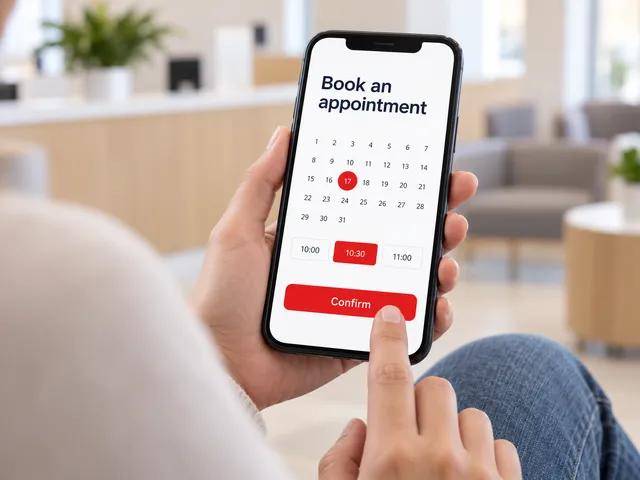
Appointment System
Customers book a time slot online and check in when they arrive.
Learn more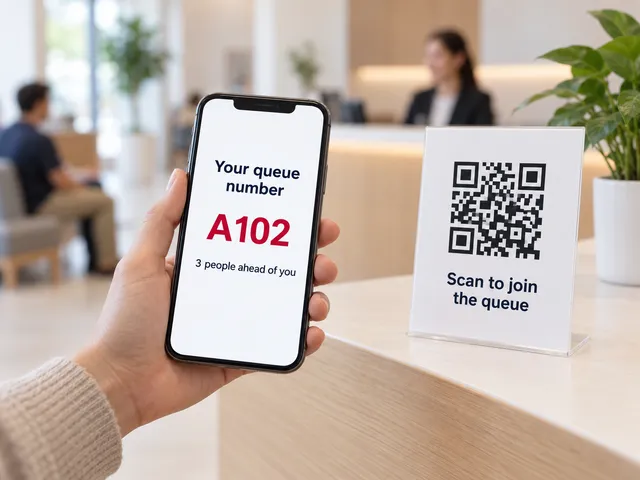
Virtual Queue
Scan a QR code to join the queue from any phone. No app needed.
Learn more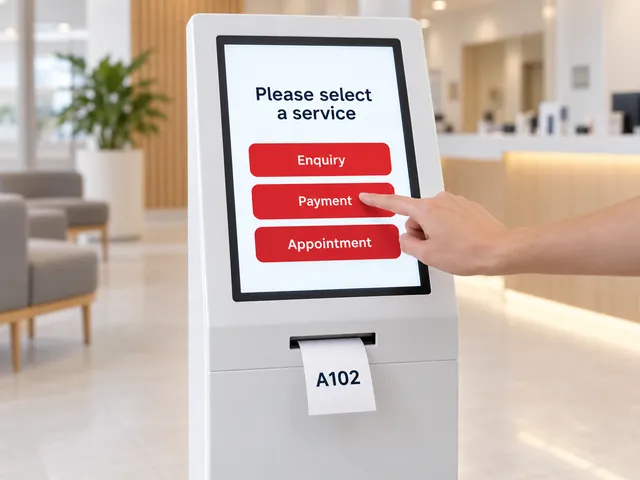
Self-Service Kiosks
A touchscreen kiosk to choose a service and print a ticket.
Learn more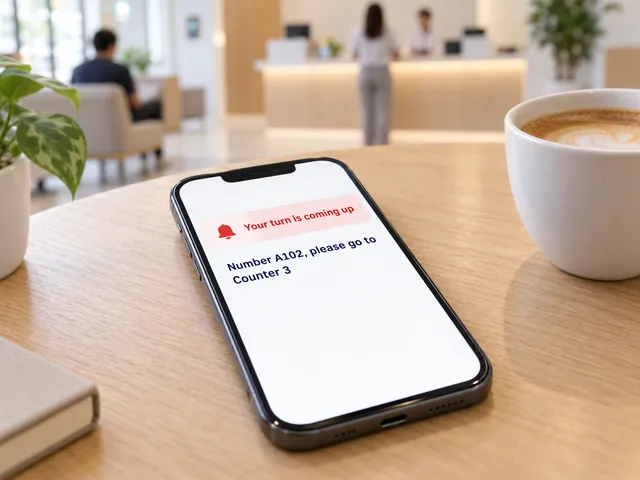
Smart Notifications
SMS and web alerts call customers back when their turn is near.
Learn more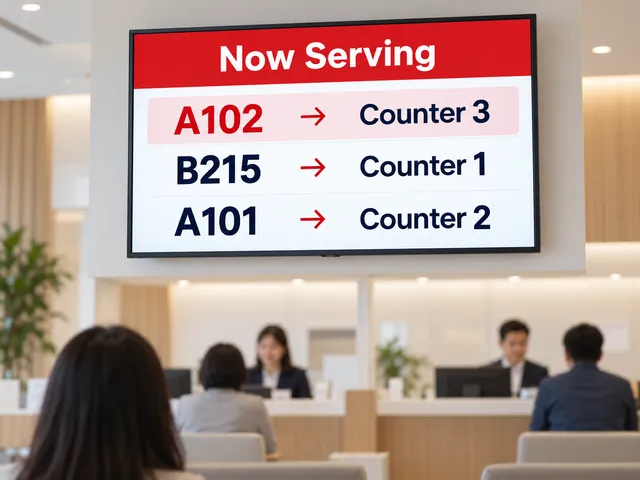
Queue Display
A now-serving screen on any TV shows which number goes to which counter.
Learn more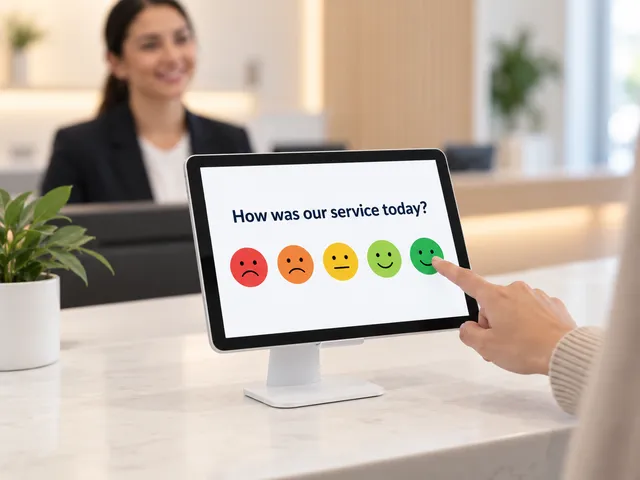
Feedback Module
Collect a rating after service and spot problem counters early.
Learn more
Our Hospital Clients


What's Included in Qtech's Hospital Queue Management System
- QR-code virtual queue & mobile tracking — Patients scan to join from their phone and follow their place in line on a personal monitoring link, easing crowded waiting rooms.
- Appointments with auto check-in — Patients book online and are issued a queue ticket automatically on arrival, with built-in no-show handling.
- Multi-stage SMS alerts — Automatic "almost your turn" notifications let patients wait comfortably away from the counter.
- Self-service kiosks & ticket printing — Touchscreen registration and ticket dispensing reduce front-desk load.
- Department displays & voice call-outs — Clear "now serving" digital signage and audio announcements across counters and wards.
- Customer feedback & analytics — Post-visit satisfaction surveys plus wait-time and staff-productivity reporting.
- Smart intake forms — Collect NRIC and other details with conditional questions before consultation.
- Guided patient journeys — Route patients automatically through multi-step flows such as registration to consultation to pharmacy.
- Priority handling — Give elderly, urgent, or VIP patients precedence in the queue.
- Multi-branch management — Run multiple clinics or centres from a single dashboard.
Frequently Asked Questions
How much does a hospital queue management system cost?
Pricing is tailored to your facility and depends on the number of outlets, counters, and features you need. Contact Qtech for a quote sized to your hospital or clinic.
How long does it take to implement?
Most deployments go live within a few weeks. Qtech maps your patient flow, configures your services and counters, trains staff, and runs a pilot before go-live.
Can it integrate with our appointment or records systems?
Yes. Qtech can connect with appointment platforms and clinic or records systems via API where supported, so bookings and patient details stay in sync. Share your systems and we will confirm what is possible.
Can patients join the queue without an app?
No app needed. Patients scan a QR code to join a virtual queue and track their place from any phone, or take a ticket at a self-service kiosk.
Does it support multiple branches and departments?
Yes. Qtech manages multiple outlets, departments and counters from one dashboard, with priority handling for urgent or elderly patients.
Is it suitable for clinics as well as hospitals?
Yes. The same platform powers clinics, specialist centres and large hospitals — see our clinic queue management system.