

QTX Touchscreen can be custom designed to fit corporate brandings. Customers are able to select the service intended to retrieve a Queue Number. Qtech offers both Physical and Virtual Tickets depending on the corporate needs and requirements. The 8″ QTX Touchscreen has a embedded ticket dispenser, a compact form designed for locations with limited space.
The Self Service Kiosk allows customers to select the service intended and retrieve a Physical/Virtual Queue Ticket. The customer enters their mobile number, and a SMS queue ticket will be issued to the customer. The Kiosk can also be used along with the appointment system whereby this kiosk will be used to verify that the customer has arrived for their appointment.
The Queue Ticket contains information such as the Queue Number and the number of person ahead in the queue. The Queue Ticket can be customised with the Corporate Logo, or a QR Code for the customer to scan and be redirected to a link with contains live information on their queue status. (Eg. Live position in Queue, and the counter they are being called at.)
QTX 27″ Immersion Kiosk
This 27 inch Touchscreen is a prominent screen to be placed at the storefront.
Features include:
- 27 Inch 10 point Capacitive Touch Screen
- Thermal Ticket Dispenser (80mm Thermal Paper)
- Thermal Camera (Optional)
- Bottom Lit LED

QTX 8″ Touchscreen Kiosk
This 8 inch Touchscreen is compact in design in nature, great for places which does not have abundance in space.
Features include:
- 8Inch 10 point Capacitive Touch Screen
- Thermal Ticket Dispenser (80mm Thermal Paper)
- LED light upon dispensing
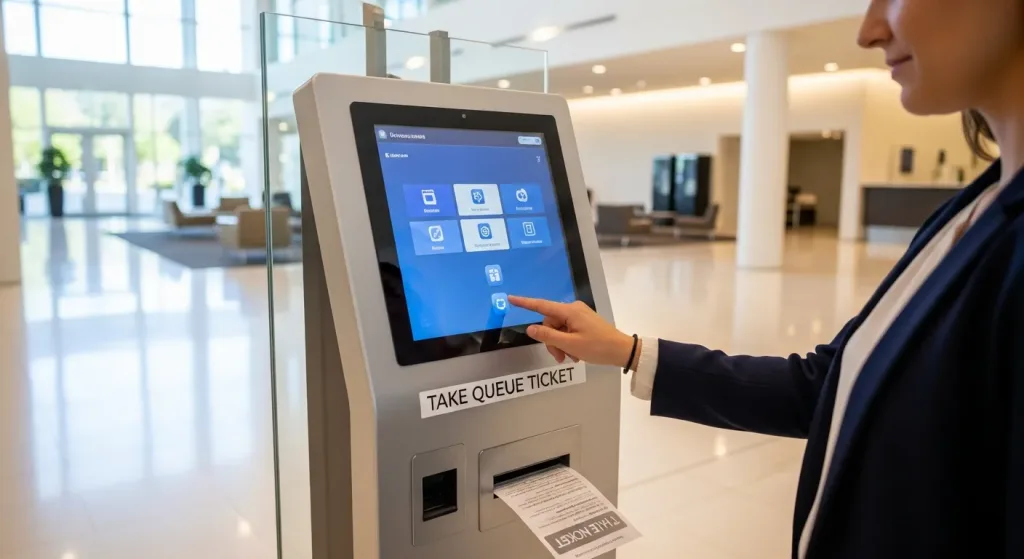
How the self-service kiosk works
- The customer selects the service they need on the touchscreen.
- They choose a printed ticket, or enter their mobile number for an SMS queue ticket.
- The kiosk issues a queue number showing their position and how many people are ahead.
- They wait wherever they like and are called to the right counter by the display and notifications.
Where self-service kiosks are used
A self-service ticketing kiosk suits any busy counter service — clinics and hospitals, banks, retail stores and government service centres — anywhere customers would otherwise queue just to check in. The kiosk pairs with QR virtual queues, queue displays and the appointment system as part of the full Qtech queue management system.
Commonly Used Products
Mix and match what you need. Every product works with the same queue.
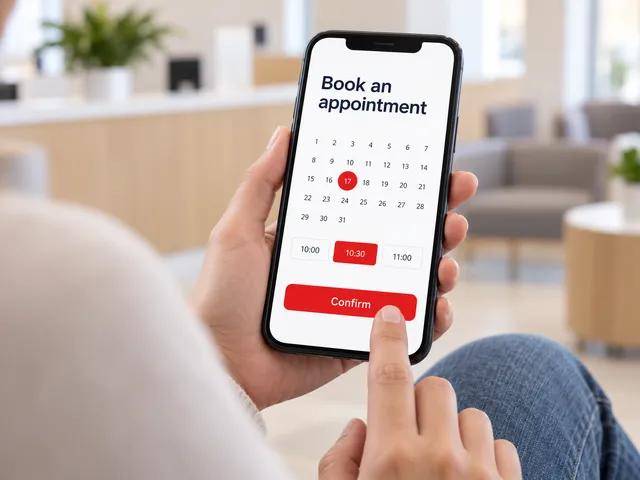
Appointment System
Customers book a time slot online and check in when they arrive.
Learn more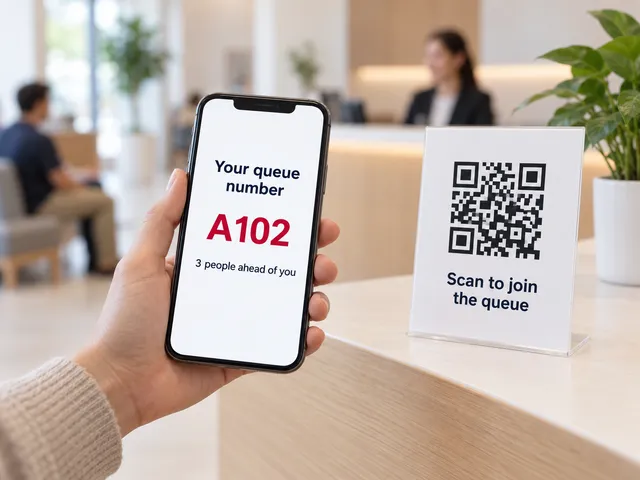
Virtual Queue
Scan a QR code to join the queue from any phone. No app needed.
Learn more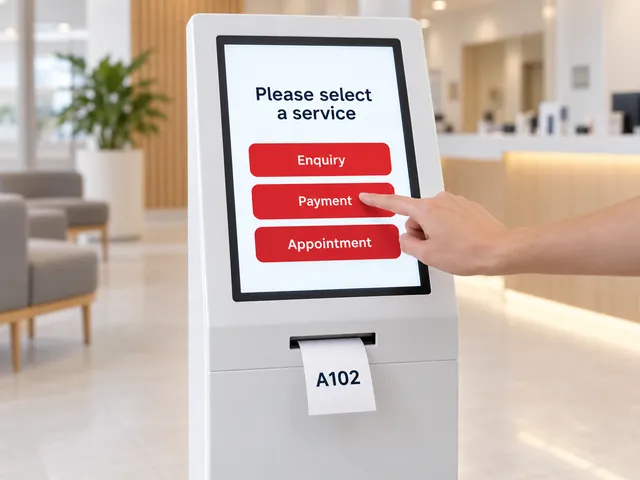
Self-Service Kiosks
A touchscreen kiosk to choose a service and print a ticket.
Learn more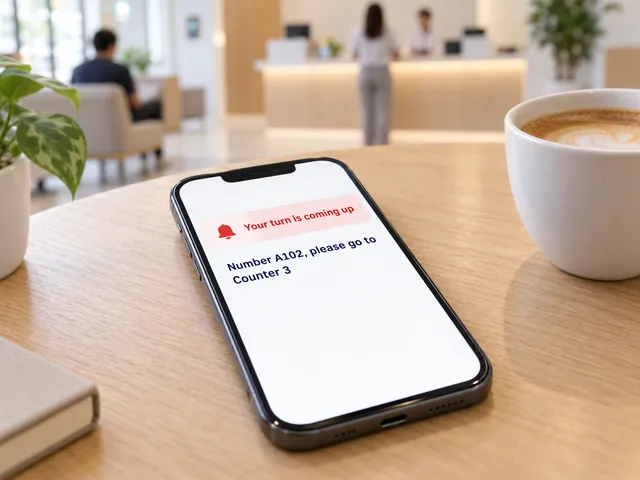
Smart Notifications
SMS and web alerts call customers back when their turn is near.
Learn more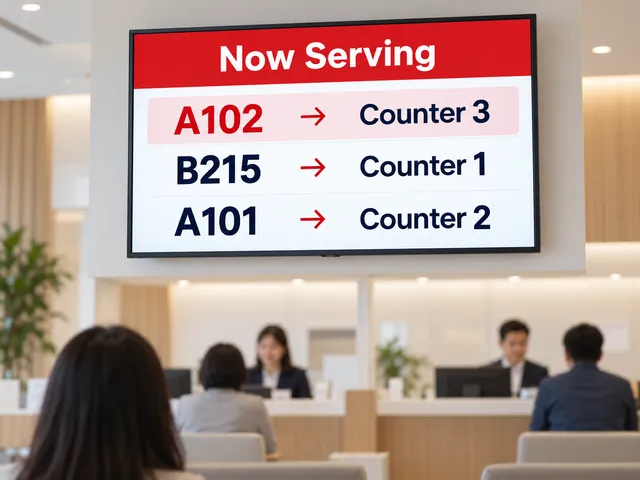
Queue Display
A now-serving screen on any TV shows which number goes to which counter.
Learn more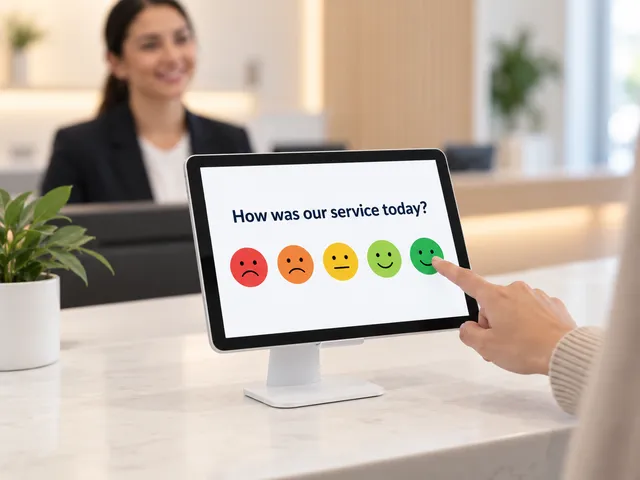
Feedback Module
Collect a rating after service and spot problem counters early.
Learn more
References:
Frequently Asked Questions
What can customers do at the kiosk?
Take a queue ticket, select a service, and check in for appointments, all self-service.
Does the kiosk print tickets?
Yes. Kiosks include a printer for physical queue tickets, and can also issue a digital ticket.
Is it available in multiple languages?
Yes. The touchscreen interface supports multiple languages, configurable per location.
Can it handle appointment check-in?
Yes. Appointment holders can check in at the kiosk and be issued a ticket on arrival.
How much does a self-service kiosk cost?
Pricing depends on hardware and features. Contact Qtech for a quote.