From hospitals in Metro Manila to malls in Cebu and government service offices nationwide, businesses across the Philippines deal with the same daily challenge: the line. How you handle waiting shapes how customers feel about your business before you’ve served them at all — and Filipino consumers, long used to crowded queues at banks, clinics, and public agencies, notice the difference immediately. Research shows the average customer abandons a queue after just 8 minutes, and in retail, 75% of shoppers will walk out if the wait passes 5 minutes. A queue management system exists to stop that from happening.
In this guide, we’ll explain what a queue management system is, how it works, the pieces that make one up, and how to choose the right system for your business in the Philippines.
What is a queue management system?
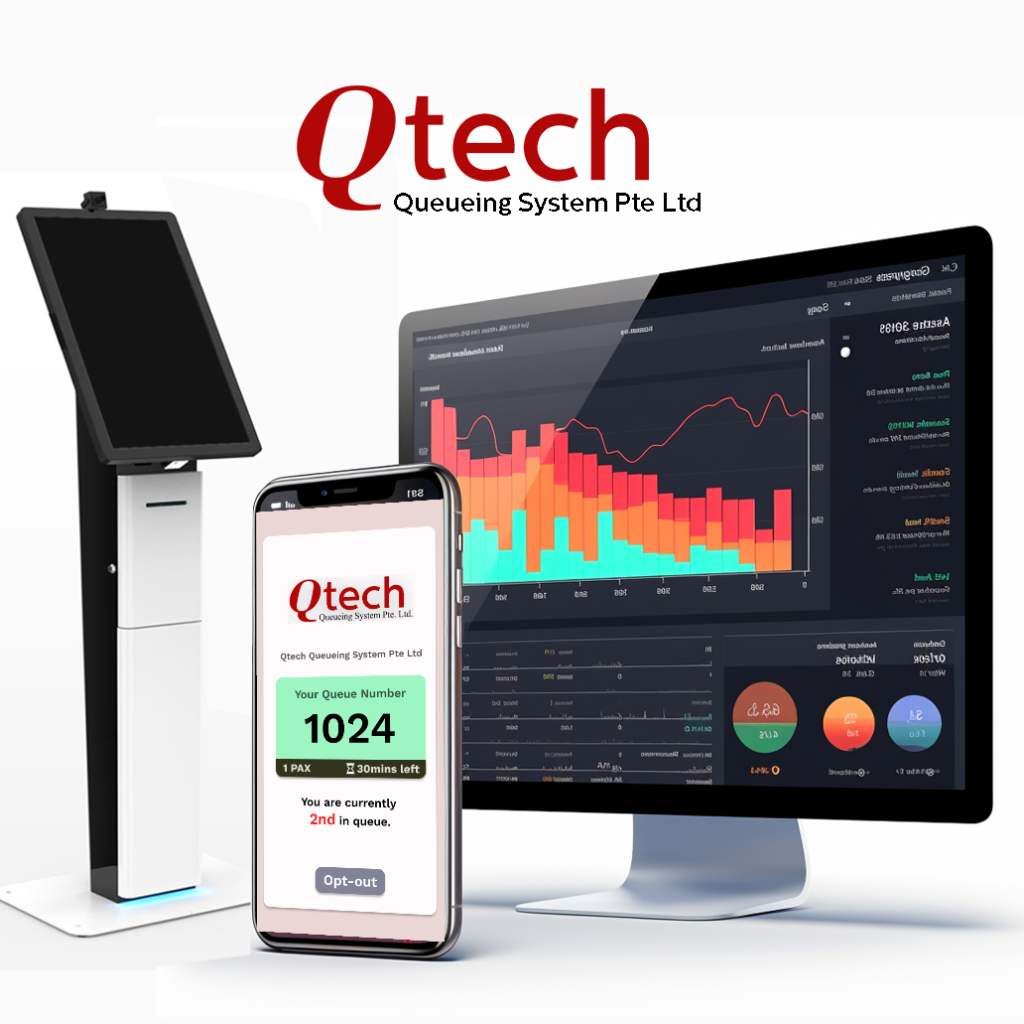
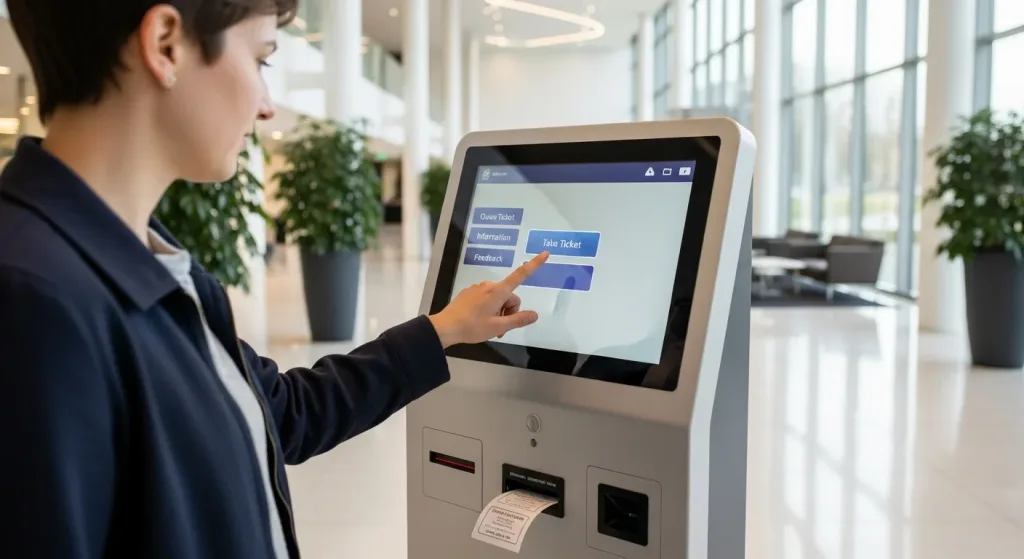
A queue management system (QMS) is a mix of software and hardware that organises customer flow — from the moment someone arrives (or checks in remotely) to the moment they’re served. Instead of standing in a physical line, customers get a queue number from a self-service kiosk, a QR code scan, or an online booking, and are called when it’s their turn.
Behind the scenes, the system tracks every ticket, routes each customer to the right counter or staff member, shows live queue status on display screens, and records the data that lets managers see wait times, peak periods, and staff performance at a glance.
Why queues cost you more than you think
Waiting doesn’t only frustrate customers — it measurably drives them away:
- 84% of customers avoid visiting a business if they expect to wait in line.
- 69% of consumers admit to abandoning a queue before reaching their turn, and 39% switch to a competitor or drop the purchase altogether.
- 89% of shoppers who hit long queues are less likely to return to that store — the damage outlasts the single lost sale.
- In the Philippines, the pain of the line is well documented closer to home: the Anti-Red Tape Authority’s own complaint data shows agencies notorious for their queues, like the LTO and SSS, consistently rank among the most complained-about government offices in the country — a sign of just how costly the line can be for any organisation’s reputation.
There’s an upside, though. Studies on service psychology consistently find that customers who get real-time queue updates perceive their wait as roughly a third shorter — even when the actual waiting time is identical. Much of the pain of queueing isn’t the wait itself; it’s the uncertainty of not knowing how long it will take. That uncertainty is exactly what a queue management system removes.
How a queue management system works
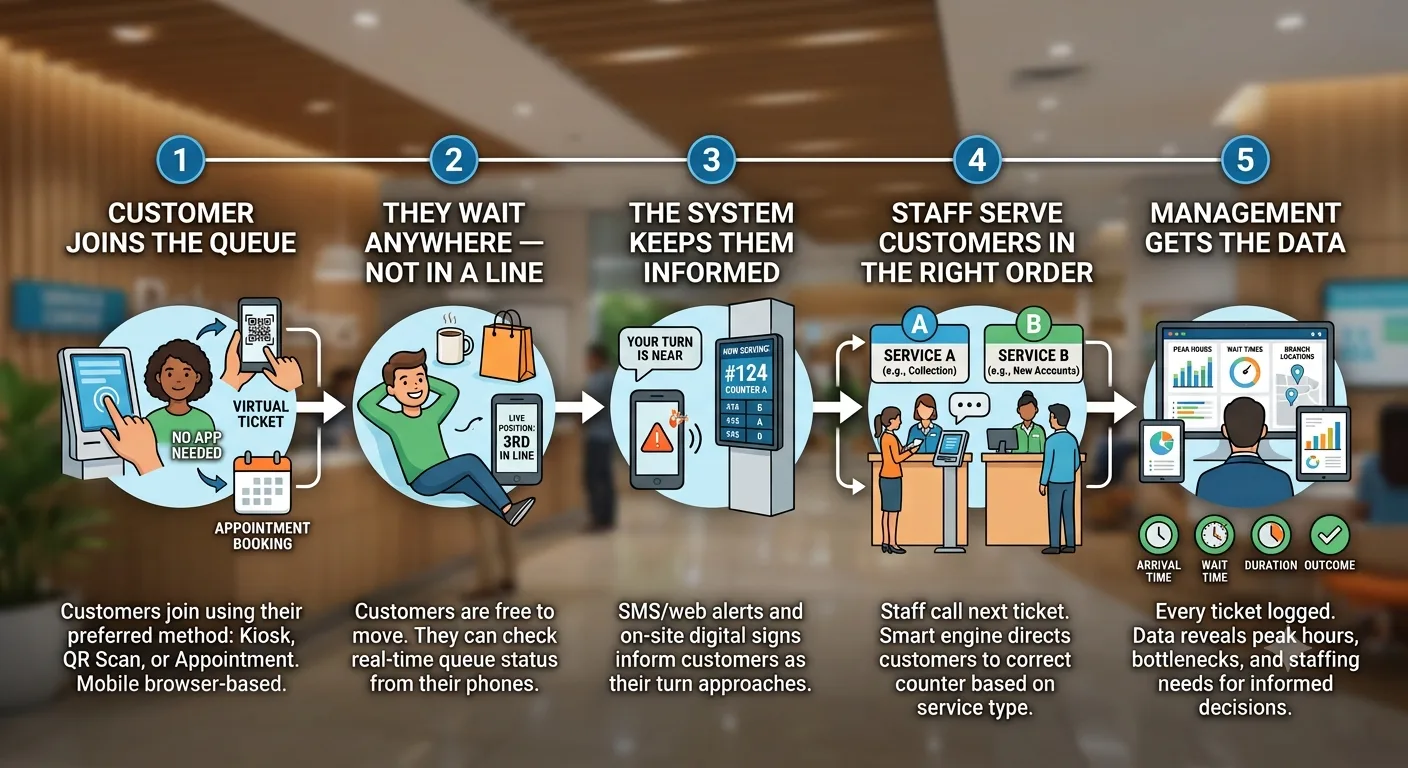
1. The customer joins the queue
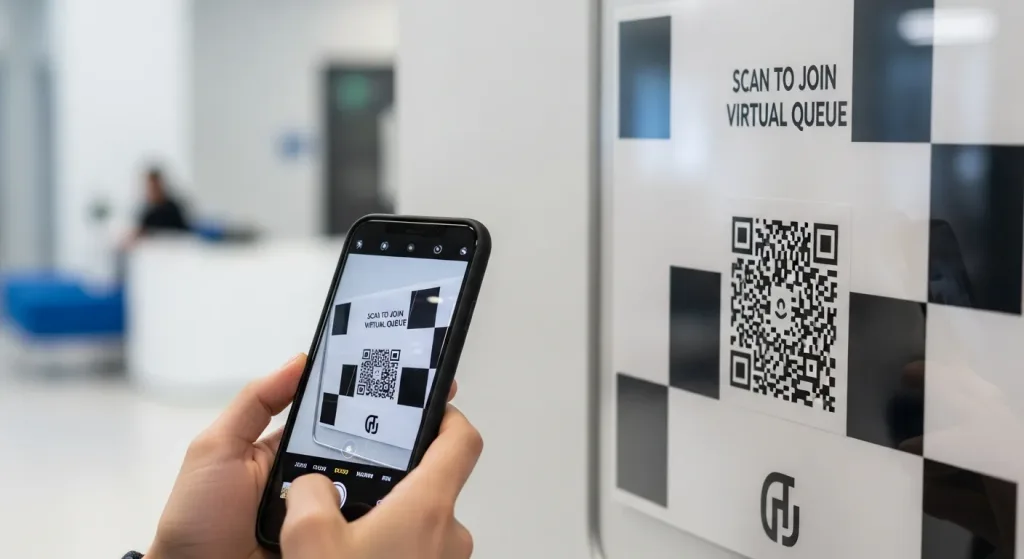
Customers join in whatever way suits your business: tapping a service on a self-service touchscreen kiosk, scanning a QR code with their own phone to get a virtual ticket, or booking a slot ahead of time through an appointment system. No app download needed — a mobile browser is enough, which matters in a mobile-first market like the Philippines.
2. They wait anywhere — not in a line
Once they hold a queue number, customers are free to grab a meal, run an errand at the mall, or sit down comfortably. They can check their live position from their phone at any time, so the wait stops feeling like waiting.
3. The system keeps them informed
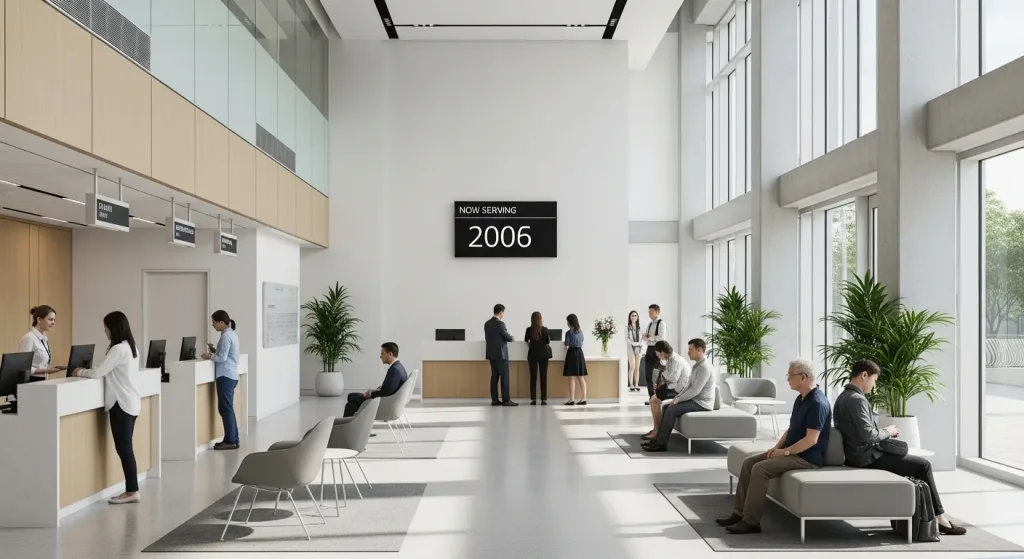
Smart notifications by SMS or web alert tell customers when their turn is near, while digital signage on-site shows the numbers currently being served. Nobody has to crowd the counter just to avoid missing their slot.
4. Staff serve customers in the right order
Staff call the next ticket from a counter terminal or virtual keypad. The queue engine sends each customer to the correct counter based on the service they picked — so someone collecting a document isn’t stuck behind ten people opening new accounts.
5. Management gets the data
Every ticket is logged: arrival time, wait time, service duration, and outcome. Centralised monitoring and reporting reveal your peak hours, bottlenecks, and staffing needs across one branch or fifty — turning queue management from guesswork into a live operations dashboard.
Physical, virtual, or hybrid queues?
Physical queue systems use ticket kiosks and counter displays — the familiar “take a number” model, ideal where customers stay on-site, such as clinics and government service centres.
Virtual queue systems let customers join remotely by QR code or link and wait wherever they like — perfect for restaurants, telco stores, and weekend mall crowds, where a physical line would spill out the door.
Hybrid systems combine both and add appointment scheduling on top: walk-ins take a kiosk ticket or scan a QR code, booked customers slot into the same flow automatically, and both are served without conflict. For most businesses in the Philippines, hybrid is the sweet spot.
Key benefits at a glance
- Shorter perceived waits — real-time updates make the same wait feel about a third shorter.
- Fewer walkaways — customers who can wait anywhere rarely abandon the queue.
- Higher staff productivity — automatic routing and calling lets staff serve instead of marshalling lines.
- Better customer data — wait times, peak periods, and service durations are measured, not guessed.
- A calmer space — no crowding at the counter, which matters especially for clinics and banks.
Which industries use queue management systems?
Any business where customers wait can benefit, but across the Philippines and the wider region the heaviest adopters are clinics and hospitals, F&B outlets, banks, retail stores, and government service centres. Each has different needs — patient privacy in healthcare, table management in F&B, service segmentation in banking — which is why a good system is configured per industry rather than one-size-fits-all. You can explore the full list on our industries page.
How to choose a queue management system in the Philippines
When comparing systems, ask these questions:
- Can customers join without an app? QR code and web-based queues see far higher adoption than systems that require a download — important where customers expect to act straight from their phone.
- Does it handle walk-ins and appointments together? If they’re managed in separate silos, conflicts at the counter are inevitable.
- Does it scale across branches? Centralised reporting across locations is where the real operational insight comes from.
- What does it cost? Pricing usually depends on branches, counters, and features — from a single kiosk to a full enterprise rollout with digital signage and feedback collection.
- Is support available for your region? Hardware like kiosks and signage benefits hugely from responsive installation and servicing — make sure your vendor can support you whether you operate in Metro Manila, Cebu, Davao, or nationwide.
Not sure how many counters you need to begin with? Try our free queue staffing calculator — enter your peak-hour arrivals and average service time, and it works out the staffing needed to hit your target wait time, using the same queueing mathematics used to plan call centres and bank branches.
The bottom line
A queue management system turns your most frustrating customer touchpoint into a competitive advantage: shorter perceived waits, fewer walkaways, more productive staff, and data you can act on. With customers willing to abandon a line after just a few minutes — and most avoiding businesses where they expect to queue at all — the question isn’t whether you can afford one, but how much the line is already costing you.
Qtech’s queue management system is trusted by more than 500 businesses across Singapore and Malaysia — and the same proven platform is available to businesses across the Philippines, from clinics and restaurants to banks and government offices. Get in touch for a demo or quote — we’ll recommend a setup that fits your industry and volume.