

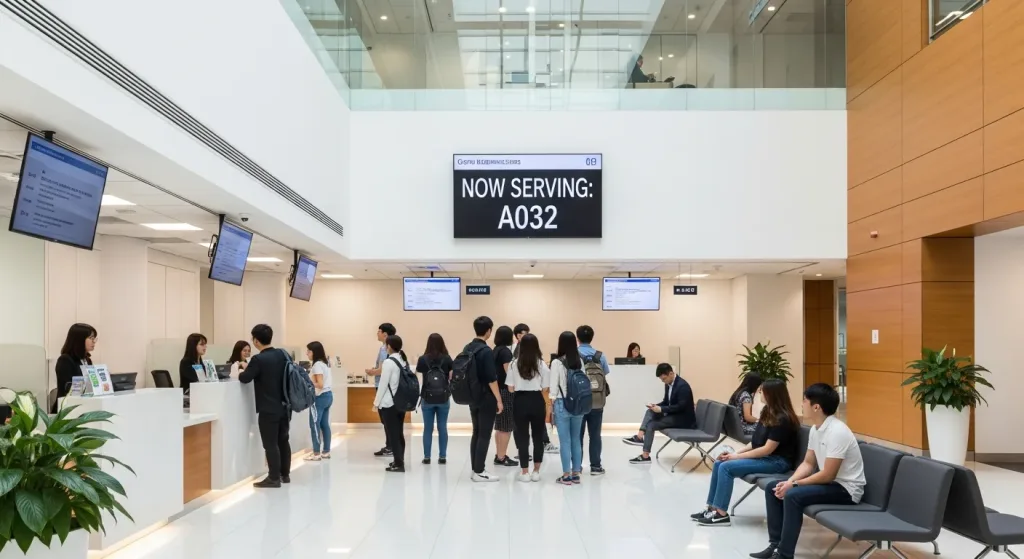
Customer easily selects the service such as registration for a course of study, making enquirers about study loan, collect of student pass, payment for course fee and other issues relating to the course of study.
The queue system streamlines the queuing process and provides the ease and flexibility for customers to select the service on a touch screen panel.
Why schools and universities need a queue management system
Registration days, fee payments, student-pass collection and course enquiries create long queues at campus service counters. An education queue management system organises these visits so students spend less time waiting and staff handle peaks without the crush.
How Qtech's education queue management system works
Students join the queue by scanning a QR code or taking a ticket at a kiosk, choose the service they need (registration, payments, enquiries or student-pass collection), and can step away until an SMS or display calls them back. Staff serve and route students from connected counters, with reporting on wait times and demand.
Key features for education
- QR virtual queue — students join from their phone and return when it is nearly their turn.
- Appointment booking — let students reserve slots for advising, finance or admissions.
- Self-service kiosks — fast check-in and ticketing for busy registration periods.
- SMS notifications — keep students informed without crowding the counter.
- Digital signage — clear now-serving displays across student-service centres.
The outcome is shorter waits during peak weeks, better-deployed staff, and a smoother experience for students and parents. Qtech scales from a single campus office to multiple sites. Contact us for a quote sized to your institution.
Commonly Used Products
Mix and match what you need. Every product works with the same queue.
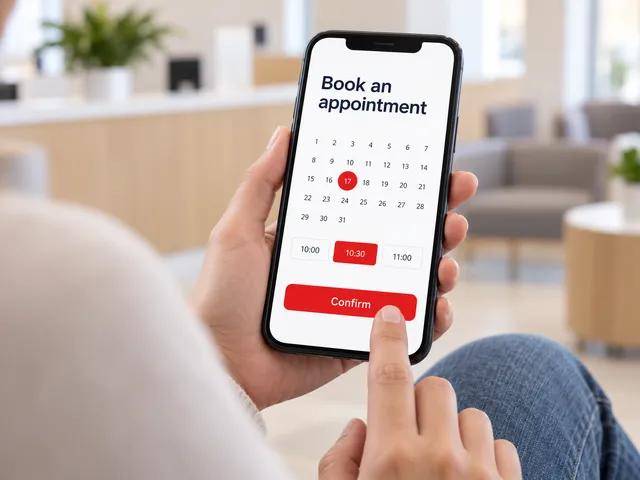
Appointment System
Customers book a time slot online and check in when they arrive.
Learn more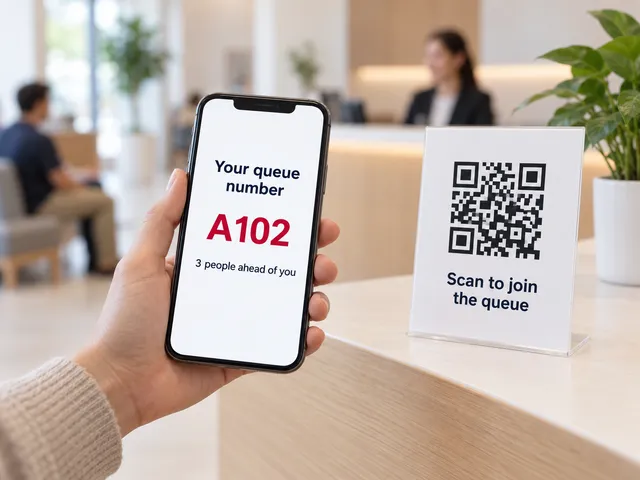
Virtual Queue
Scan a QR code to join the queue from any phone. No app needed.
Learn more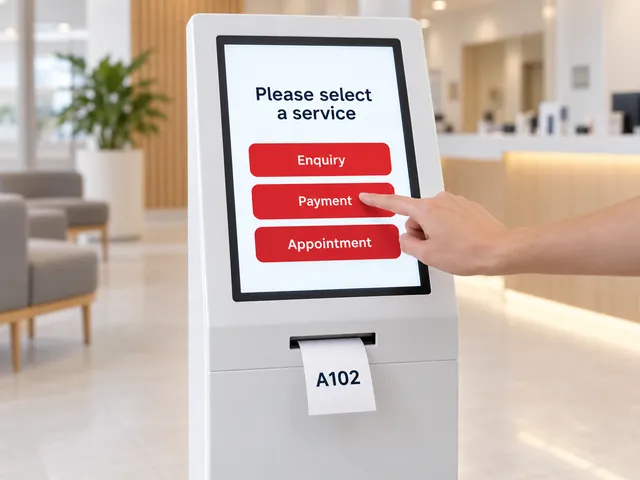
Self-Service Kiosks
A touchscreen kiosk to choose a service and print a ticket.
Learn more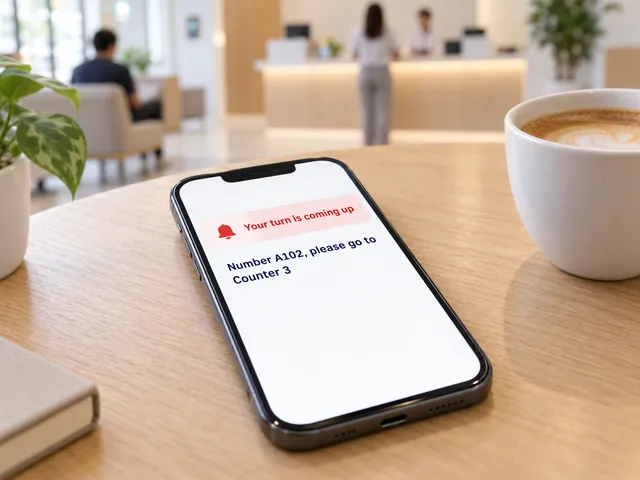
Smart Notifications
SMS and web alerts call customers back when their turn is near.
Learn more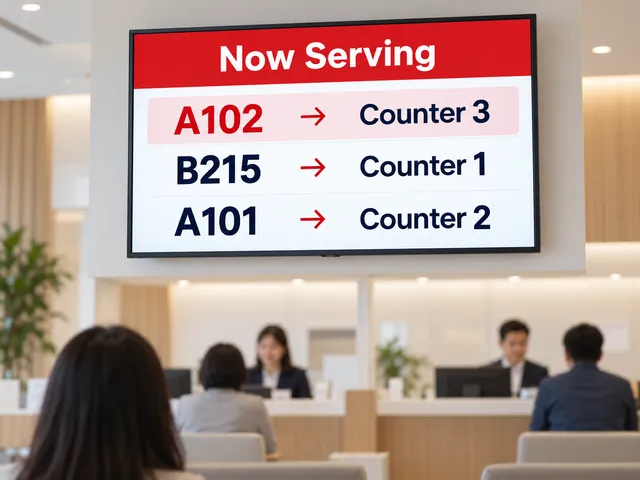
Queue Display
A now-serving screen on any TV shows which number goes to which counter.
Learn more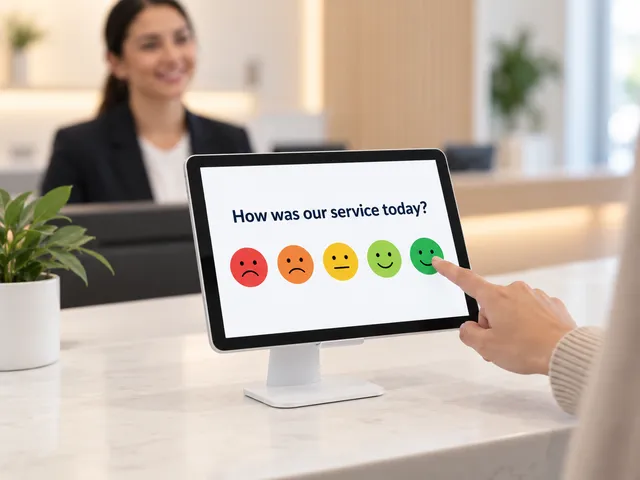
Feedback Module
Collect a rating after service and spot problem counters early.
Learn more
Our Educational Clients


Frequently Asked Questions
How much does an education queue management system cost?
It depends on how many student-service offices and counters you run (registry, finance, admissions, student pass, IT help desk), the kiosks and displays you need, and whether you add appointment booking for advising. Contact Qtech for a quote sized to your campus.
How do we handle registration week and fee deadlines?
Students join a virtual queue by scanning a QR code from anywhere on campus and get an SMS alert when it is nearly their turn, so peak-week crowds do not pile up at the counter. Reports then show which days and hours need extra staff next term.
Can students book appointments with advisers or the finance office?
Yes. With appointment booking, students reserve a time slot for academic advising, admissions or financial questions, check in on arrival and are served alongside walk-ins.
Can one system cover several offices or campuses?
Yes. Each office runs its own services and counters, and all of them, across one campus or several, are managed and reported on from one dashboard.
Can parents and visitors use it on open days?
Yes. Parents and visitors take a ticket at a self-service kiosk or scan a QR code. No app or student login is needed.
Can students join service queues remotely between classes?
Yes. Students scan a QR code to join from their phone and return when it is nearly their turn, instead of waiting at the counter.